Computer-assisted music, or CAM, is a term used to describe the use of computer technologies in recording, editing, and music production. Music software is widely popular among modern musicians seeking to get the most out of their existing equipment and computer hardware.
Also known as a DAW (Digital Audio Workstation), this specialized digital workstation can record, edit, and produce audio samples and virtual instruments. Equipped with a variety of plugins and integrated tools that facilitate the creation of high-quality music, the most well-known DAWs are Ableton Live, Cubase, FL Studio, Logic Pro, Pro Tools, Reason, Reaper, and Studio One.
Thanks to the numerous resources available today, it is now possible to transform one's personal computer into a true recording and production studio. In this Green Musicians article, we offer an overview of the different steps to follow to learn CAM music with your computer.
Free or Paid Music Software?
It's important to weigh the pros and cons before choosing between a free or paid DAW. If you're considering using a free DAW, it's essential to consider your needs to ensure that this software is sufficient for your music projects. Although many free DAWs are efficient, some may have limited features and capabilities compared to full paid DAWs.
What are the characteristics of good music software?
Good computer-assisted music (CAM) software is capable of performing various tasks simultaneously and offering a variety of creative tools for producers and musicians worldwide. It must provide complete control over each track, perform non-destructive edits, and support external plugins to add even more power and flexibility. The software also has an easy-to-use interface for beginners and delivers studio-quality sound.
The 10 Commandments of Good Music Software
- You shall do multi-track recording: The user will be able to record multiple simultaneous tracks and synchronize them easily.
- You shall have sound editing: Your tools will allow for multiple and creative modifications to an audio signal. Cutting, splitting, leveling, and removing noise will be your spearheads.
- You shall deliver the quest for Mixing: You will offer a large number of plugins for mixing and mastering, allowing for modification, balancing, harmonizing sounds before the famous final export.
- You shall offer MIDI tools and more: Your MIDI tools for recording and editing voices, instruments, and musical effects will be highly coveted. You will also know how to open your doors to external VSTs or other tools.
- You will integrate metadata management: Metadata management features to organize and easily retrieve audio files will be obvious to you.
- You will allow more control: You will allow for in-depth modifications and the creation of custom audio effects. As well as using virtual controls to adjust the settings of a track.
- You will integrate effect chains: Numerous effect chains built directly into the software will allow users to add and modify creativity at will, from a single computer.
- You will be intuitive and easy to use: Even if some of your counterparts may seem intimidating at first glance, it will be relatively easy to understand how to navigate and start in your interface.
- You will not neglect compatibility: Whether it's Mac or PC, various version updates, you will know how to adapt to all types of use by integrating the appropriate programs.
- You will exploit attention to detail: Your features will evolve in version, meeting user expectations, with the aim of becoming an essential workstation.
Selecting the Right Computer Music Software and Tools
To compose, mix, and produce your music, you will need specialized software. These are called sequencers and are the central element of your CAM studio. They allow you to create tracks, record sounds, add sound effects, and mix everything to obtain a finalized piece.
Ableton Live, Cubase, Logic, Pro Tools, Reaper… which DAW to choose?
The choice of DAW will mainly depend on your needs and preferences in terms of workflow and features. Some users prefer Ableton Live for its ease of use and versatility in music creation, while professional studios opt for Cubase by Steinberg and Pro Tools for their audio processing power and professional mixing, or Reaper which is free. Take the time to compare the different options and prices, and choose what suits you best.
Plugins and Sound Effects
To enrich your compositions and bring your ideas to life, having a wide range of sounds and effects is essential. VST plugins (Virtual Studio Technology) are integrable tools for your DAW, offering a multitude of options for sculpting and processing your sound. There are thousands of plugins, free or paid, suitable for beginners and professional producers alike, featuring virtual instruments, audio effects, and tools for mixing and mastering.
Learning Composition and Music Production in DAW
To progress in computer-assisted music practice, it's important to learn various composition, mixing, and production techniques. You can find many online resources to learn these skills, such as video tutorials, blog articles, or specialized forums where you can share your experiences with other musicians.
Finding the Right Electronic Music Teacher
Depending on your needs and level, you can also opt for private lessons with a teacher specialized in electronic music and DAW. They can help you progress more quickly by guiding you step by step in your learning and answering your specific questions.
Getting Started in Production and Live Performance
Once you have mastered the basics of computer-assisted music and created your first compositions, it's time to move on to production and live performance. Production involves finalizing your track by refining the mix, adding additional effects, and performing professional mastering. Live performance, on the other hand, allows you to play your music on stage in front of an audience, using a laptop or specific controllers.
Different File Formats for Exporting
When exporting your finalized track, you will need to choose the file format that best suits the use you want to make of it (listening on an MP3 player, broadcasting on the Internet, etc.). The most common audio formats are:
- WAV: an uncompressed format, offering optimal audio quality but taking up a lot of space on your hard drive.
- MP3: a compressed format, lighter but can lead to a slight degradation of audio quality.
- AAC: a compressed format used by Apple, offering better audio quality than MP3 at equivalent size.
What DAW Equipment Do You Need to Produce Music?
Producing music from a computer can be a complex process and requires a lot of specialized equipment to set up your home studio. Fortunately, you don't need to buy everything at once. You can start reasonably and add pieces as you progress. Here are some of the pieces you will need, available on Green Musicians:
- Audio Interface: Audio interfaces, also called sound cards in jargon, are devices that connect instruments and microphones to your computer. They generally have an input for each audio track, so you can connect different mics and instruments, and outputs to hear your creations.
- A headphone set and/or monitor speakers: Having a headphone set is useful for precise sound recording and private music mixing, while monitor speakers allow for a better grasp of sound spatialization in a room. Using headphones in addition to monitor speakers is beneficial for musicians and sound engineers as it allows to verify that the mix sounds good on different listening mediums, such as earbuds or mobile phone speakers.
- MIDI Controller: MIDI controllers (keyboards, pads, etc.) allow you to control virtual instruments and effects on your computer. They can be very useful if you want physical control over your productions.
- MIDI Keyboard: If you wish to play virtual instruments or synths, you will need a MIDI keyboard. Available in various configurations and sizes, a wide selection is offered for purchase new or used.
With the constant advancements in digital technology, computer-assisted music has become more popular and affordable than ever. Learning music with a computer might seem complex, but with the right tools and resources, anyone can compose, mix, and produce their own music.
Every day, thousands of musicians turn to these tools to create their music. That's why Green Musicians offers you various articles on the subject, to guide you in your choices until the realization of your projects. So don't hesitate any longer, embark on this exciting musical adventure!
And Voila! We hope this article has answered all your questions.
Now all that's left is for you to navigate on Green Musicians to find your music software, plugin, update, or even your version upgrade at the best internet price.
We offer a complete catalog of music software incorporating publishers from around the world such as UAD, Softube, Plugin Alliance, Waves, and all types of VST, DAW software (Native Instruments, Ableton, Pro Tools, Reason)
All software is immediately downloadable for creating your music at any hour of the day or night!
Want to try before you buy?
It's normal, that's why we offer several hundred free software and plugins for instant download.
But that's not all...
Green Musicians also caters to anyone wishing to sell or buy music equipment: whether it's you, your sister-in-law, or even Aunt Martine.
Professional music stores also have the opportunity to post ads for used musical instruments and to offer their services and guarantees.
If you want to sell products, this is the place!
With you, we aim to make music accessible and eco-responsible by giving musical instruments a second, third, fourth life while preserving our environment.
For any questions or comments regarding this article or if you wish to suggest a topic for an article, feel free to express yourself below.
You can also contact us by email at: [email protected] or via our chat!

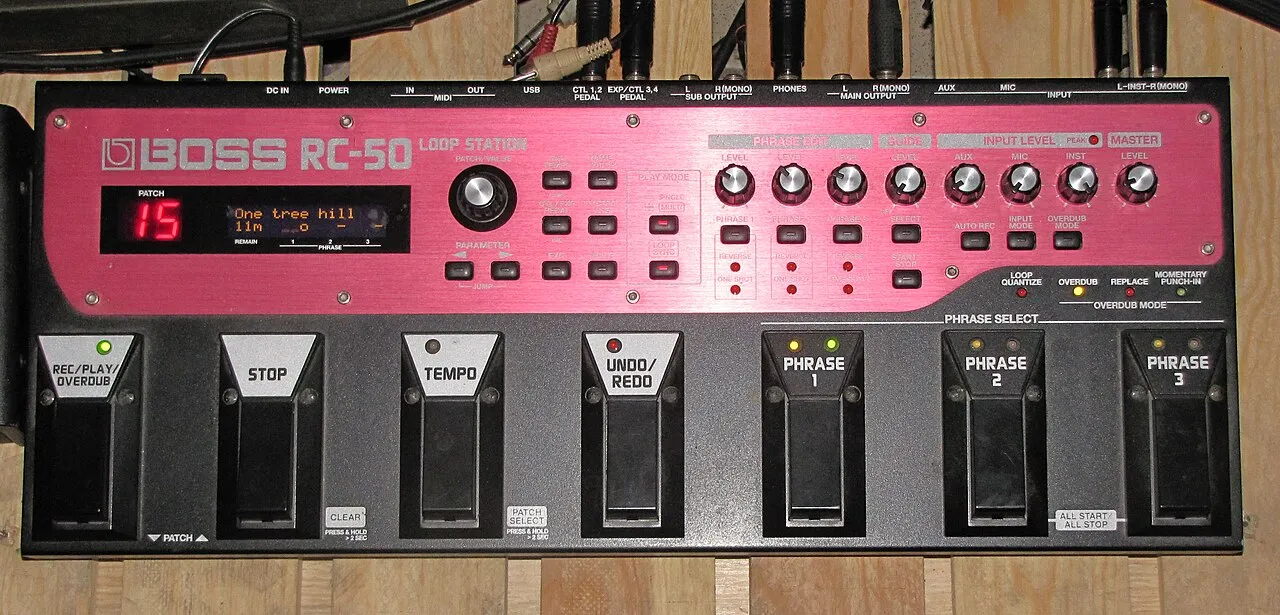 What is a looper and how to use it?What is a looper and how to use it? The loop principle, choosing a model, practicing, composing and playing live: the complete beginner's guide.Read more
 How long does it take to learn the drums?How long does it take to learn the drums: first grooves, first songs and independence. The realistic benchmarks and the right practice rhythm.Read more
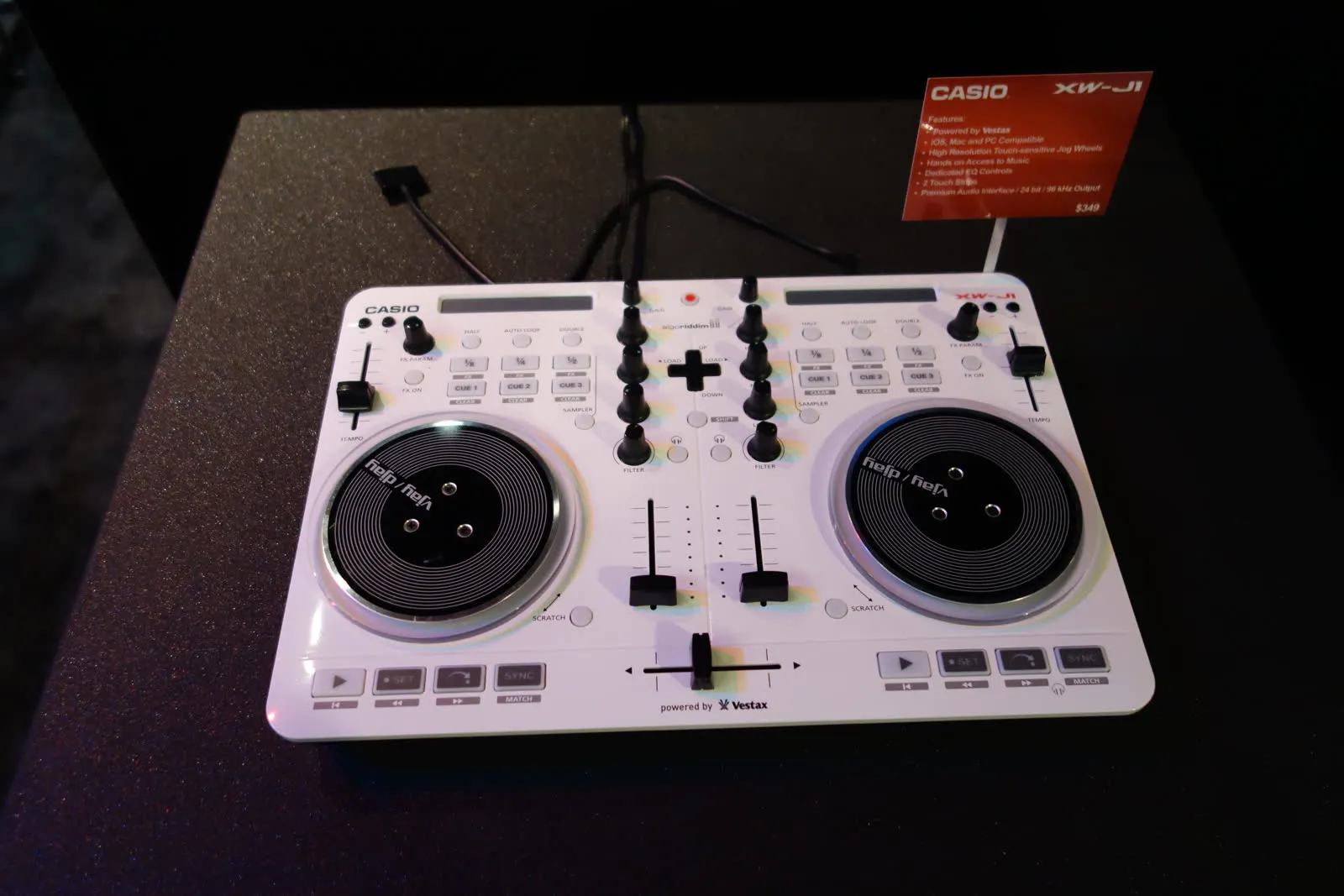 Vestax: Japanese legend of DJ equipment and vinyl turntablesVestax, founded in Tokyo in 1977, made DJing history with its revolutionary vinyl turntables and legendary mixers. A look back at the legacy of a cult brand that continues to inspire DJs around the world.Read more
 Hagstrom: Swedish guitars and basses since 1958Hagstrom, Swedish guitar excellence since 1958.Read more
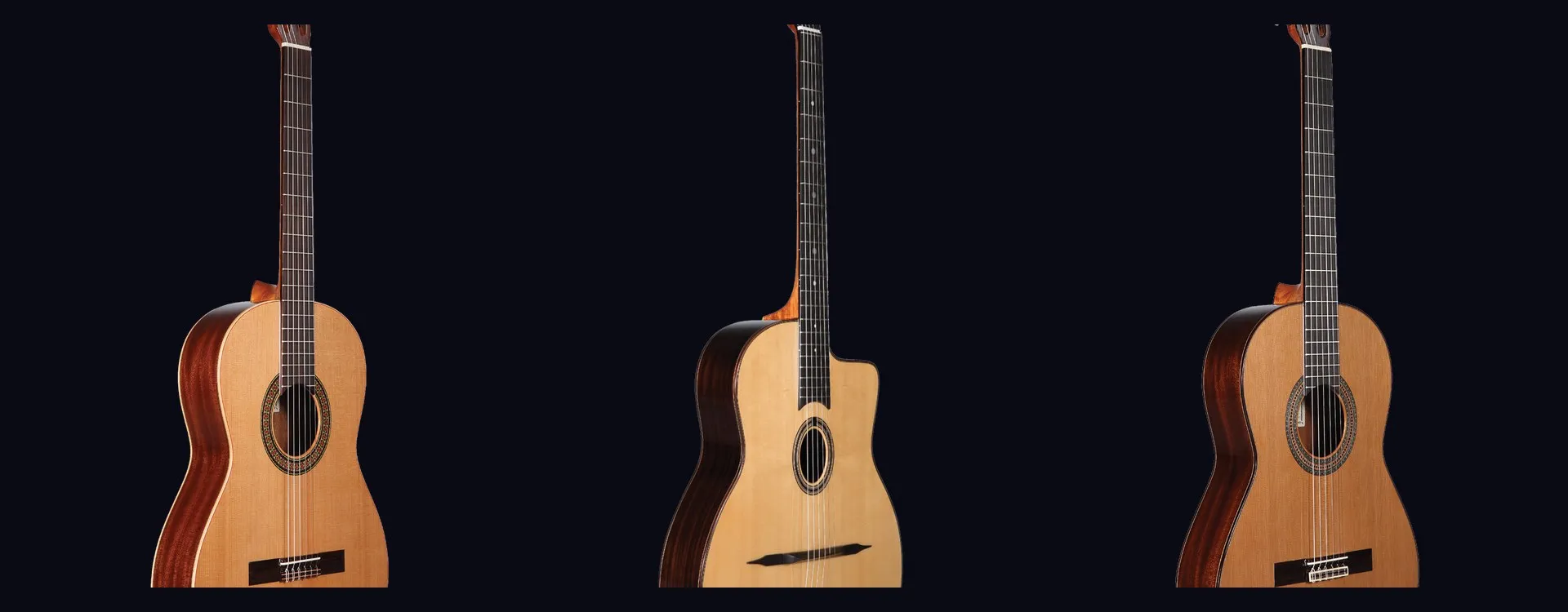 Altamira: classical and flamenco guitars inspired by Spanish traditionAltamira offers classical, flamenco, gypsy jazz guitars and historical replicas inspired by Spanish tradition. From beginner to concertist, discover authentic lutherie at the right price.Read more
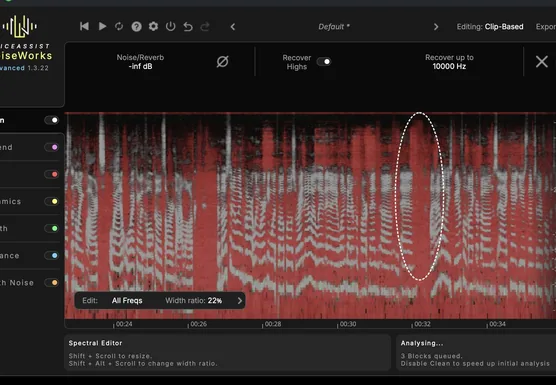 NoiseWorks VoiceAssist: cleaner vocals in less timeWhat if the next real upgrade to your studio were not a new microphone or a preamp, but time? That is the question NoiseWorks raises with VoiceAssist, a plugin that tackles the least creative part of vocal work: cleanup. Background noise, room reverb,Read more
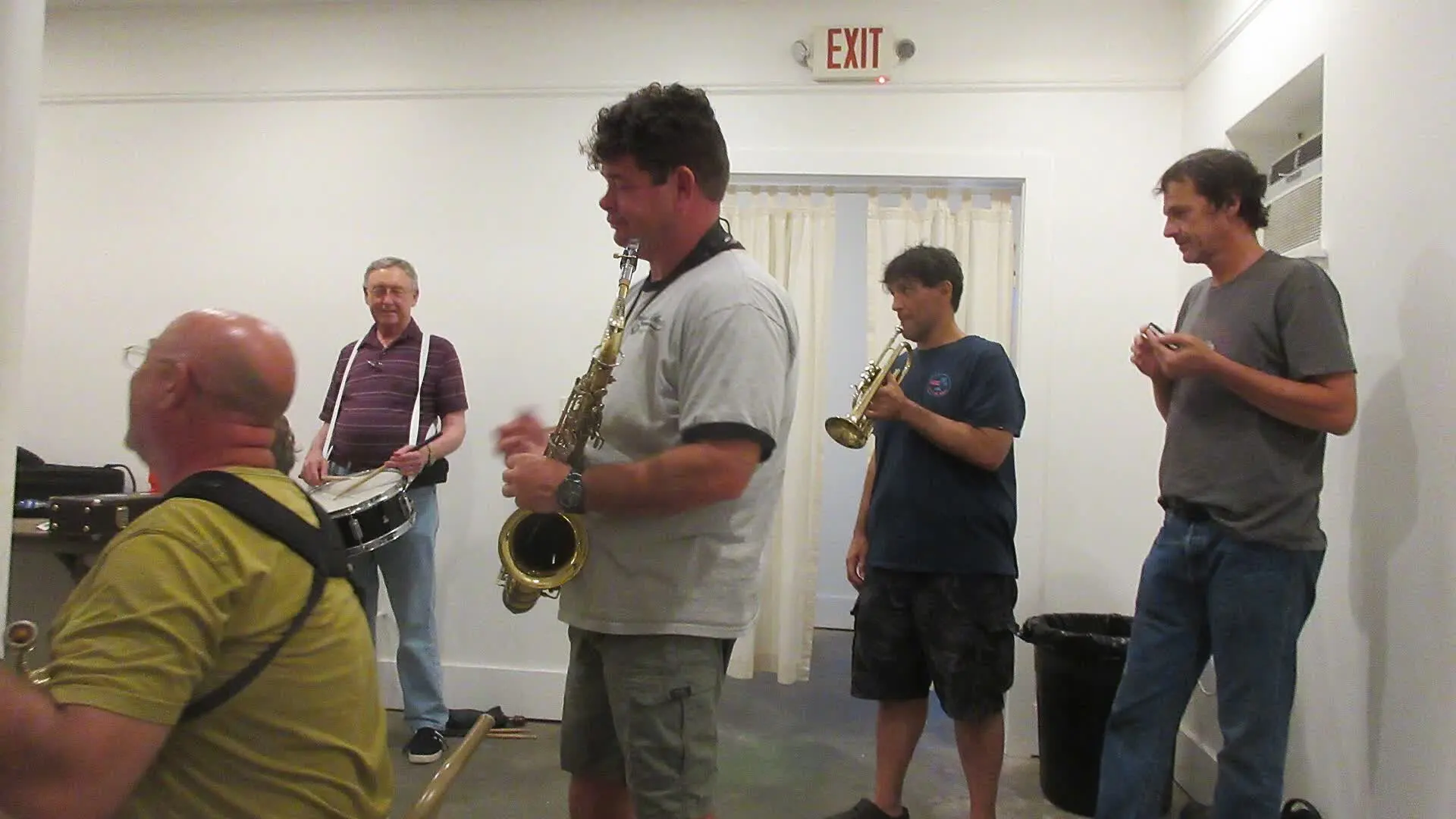 How to sound a band rehearsal?How to sound a band rehearsal: gear, speaker placement, volume balance and voice amplification for effective rehearsals that protect your hearing.Read more
 How to get a good stage monitor mix?How to get a good stage monitor mix: gear, console connections, volume settings without feedback and placement tips for musicians.Read more
 Which PA amplifier for a room of 100 people?Which PA amplifier for a room of 100 people: power, speaker types, placement and budget advice to sound your venue properly.Read more
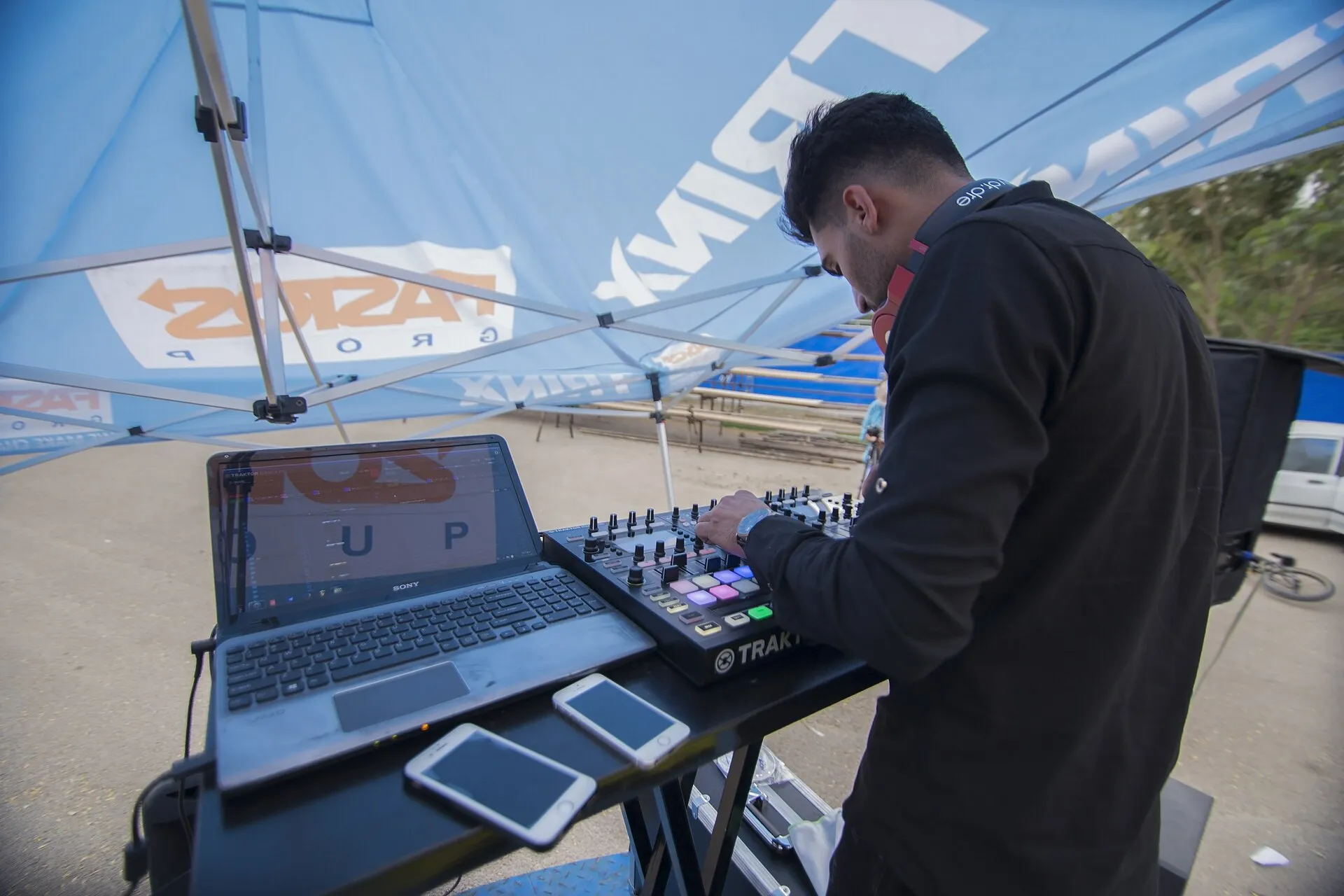 How to connect your computer to a PA system?How to connect your computer to a PA system: audio interface, cables and console settings, with the fallback solutions and the mistakes to avoid.Read more
Leave a comment