You want to play music from your computer in a room, plug a keyboard or a sampler into the PA of a bar, or play backing tracks during a concert? Connecting a computer to a PA system is simpler than it seems, as long as you know the right cables, the right adapters and a few essential settings. Here is the step-by-step method.
How to connect your computer to a PA system?
To connect a computer to a PA system, the cleanest way is to go through a USB audio interface linked to the mixing console with XLR or jack cables. As a fallback, you can use the headphone output of the computer with an adapter from mini jack to two jack or XLR cables, but the sound will be worse and the level harder to control.
The golden rule: the more the signal leaves the computer through a dedicated, balanced output, the better the result. An audio interface turns the unbalanced signal of the sound card into a clean, professional signal, with a stable volume and no parasitic noise.
What gear do you need to connect a computer to a PA system?
The basic gear consists of a USB audio interface (or a dedicated adapter), link cables and, depending on the case, a power adapter to prevent the computer from running out of battery in the middle of a concert.
If the mixing console has line inputs (which is the case with most mixing consoles), you can connect the outputs of the interface to the line inputs with jack or XLR cables. Some very compact interfaces plug directly into a microphone input via an XLR adapter, handy for concerts.
How to connect a computer to a mixing console?

To connect a computer to a mixing console, link the outputs of the audio interface (or the headphone output as a fallback) to two channels of the console in stereo: one channel for the left channel, one channel for the right channel. Then set the volume of these channels with the balance in the center.
Most digital mixing consoles and many recent analog consoles have a USB input that allows you to connect the computer directly with a simple USB cable. In this case, the computer becomes a source like any other and you can even use it to play ambient sounds or backing tracks. Our guide on the cheap home studio explains how to choose an interface suited to your use.
How to connect a computer without an audio interface?
Without an audio interface, use the headphone output of the computer with a 3.5 mm jack to dual 6.35 mm jack cable, then connect these two jacks to two channels of the console or to an adapter to XLR. This is the classic fallback solution for a DJ or a keyboard player just starting out.
Watch out for two pitfalls: the volume of the headphone output must be set to a reasonable level (around 80 percent) to avoid clipping, and the 3.5 mm jack to dual jack cable is fragile: always keep a spare cable. For regular use, the audio interface remains strongly recommended.
Why does the sound sound bad or too quiet when I plug in my computer?
Bad or too quiet sound almost always comes from three causes: an unsuitable cable, a wrong volume setting or an overloaded unbalanced output. First check that the volume of the computer and that of the console channel are neither at zero nor at maximum.
If the sound crackles, lower the output volume of the computer and raise the gain of the console channel. If the sound is muffled or mono, check that both left and right channels are properly used and that the balance is centered. A constant background noise often signals a grounding problem: plug the computer and the PA system into the same electrical circuit if possible.
How to connect a computer to a powered speaker?
To connect a computer directly to a powered speaker, use a 3.5 mm jack to 6.35 mm jack or XLR cable depending on the inputs of the speaker. Most powered speakers have at least one jack or XLR line input.
If the speaker has only one input, you will get a mono sound, which is acceptable for a conference or a small performance. For real stereo, you need two speakers and two outputs. In all cases, start with the volume of the speaker at minimum, plug in the computer, then raise the volume gradually while playing a track you know well.
What you need to remember
- ✔ Audio interface first: it is the clean solution for connecting a computer to a PA system.
- ✔ Line inputs of the console: connect the outputs of the interface to two channels in stereo.
- ✔ Fallback possible: the headphone output with a jack adapter works while waiting for better.
- ✔ Reasonable volume: neither 0 nor 100 percent, on the computer as on the console.
- ✔ Spare cables: 3.5 mm jack cables are fragile, always plan a second one.
How to connect a computer to the PA system for a concert with backing tracks?
For a concert with backing tracks, prepare a single playlist, check the levels of each track in advance and plug the computer into a dedicated channel of the mixing console. Avoid switching tracks in the middle of a song with the mouse: use a reliable player or dedicated software.
Also think about turning off the notifications and the system sounds, and switch the computer to airplane mode if you do not need the internet. A battery failure in the middle of a concert is the most common incident: plug the computer into the mains with a quality power strip, or check that its battery lasts the whole performance.
🧑💼 The Green Musicians tip
Always test before the concert: plug your computer into the PA system during the sound check, play a sample of each track and check the level on both channels. A setting done in advance will save you from looking for the right cable or the right volume in front of the audience.
What budget should you plan to connect a computer to a PA system?
The budget is divided into three ranges. At the entry level, a simple jack adapter or a very affordable small interface is enough to get by. In the mid range, a two-output audio interface offers a clean sound and decent preamps. At the top of the range, interfaces with several outputs, better conversion and a solid build suit professional uses.
For occasional use (one performance a month), an entry-level or mid-range interface is more than enough. For regular use on tour, invest in a reputable, rugged model with a reliable power supply. If you are starting out in the world of music computing, our guide on what a music software is will help you understand the whole chain.
What mistakes should you avoid when connecting your computer to a PA system?
Classic mistakes are easy to avoid. Never plug the headphone output directly into a microphone input without an attenuator, do not push the volume of the computer to maximum, and do not let the computer go to sleep in the middle of a concert.
Also check the system settings: turn off the notification sounds, disable the automatic updates and check that the right audio output is selected. Finally, always keep a spare cable and, if possible, a second computer or a phone with the same tracks for important concerts.
FAQ - Connecting your computer to a PA system
Can you plug a computer directly into a mixing console?
Yes, with a jack to dual jack cable or an adapter, or directly in USB if the console has a USB input. The cleanest way remains an audio interface between the computer and the console.
Which cable to connect a computer to a speaker?
A 3.5 mm jack to 6.35 mm jack or XLR cable depending on the inputs of the speaker. For a mixing console, prefer a stereo 3.5 mm jack to dual 6.35 mm jack cable.
Why is there a hum when I plug my computer into the PA system?
A hum often comes from a ground loop. Plug the computer and the PA system into the same electrical circuit, or use an audio interface with balanced outputs to eliminate the problem.
Do you need an audio interface to connect a computer to a PA system?
No, an audio interface is not mandatory: the headphone output can get you by. But it clearly improves the quality of the sound, stabilizes the level and avoids parasitic noises. It is recommended as soon as the use becomes regular.
How to connect a laptop to a PA system without a power outlet nearby?
Check that the battery lasts the whole performance, close the unnecessary apps and reduce the screen brightness. For long concerts, plan an external battery or a power strip with a long extension cord.
Can you plug a phone into the PA system like a computer?
Yes, the same logic applies: the headphone output of the phone or an adapter to jack can get you by. The volume will be controlled from the phone, and calls or notifications must be turned off.
There you go! We hope this article helped you understand how to connect your computer to a PA system. All you have to do now is browse Green Musicians to find the audio interface or the cables you need at the best price.
We offer you a complete catalog of music gear featuring brands from all over the world such as Focusrite, Behringer, Yamaha, Allen & Heath and many more. Whether you are an amateur or a professional musician, our marketplace is designed to offer you the best of music.
Green Musicians is also the music marketplace where everyone can sell or buy music gear with confidence: new, refurbished and used instruments, but also software, plugins, sheet music and samples.
For any question or comment about this article, or if you would like to suggest an article topic, feel free to leave a comment below.

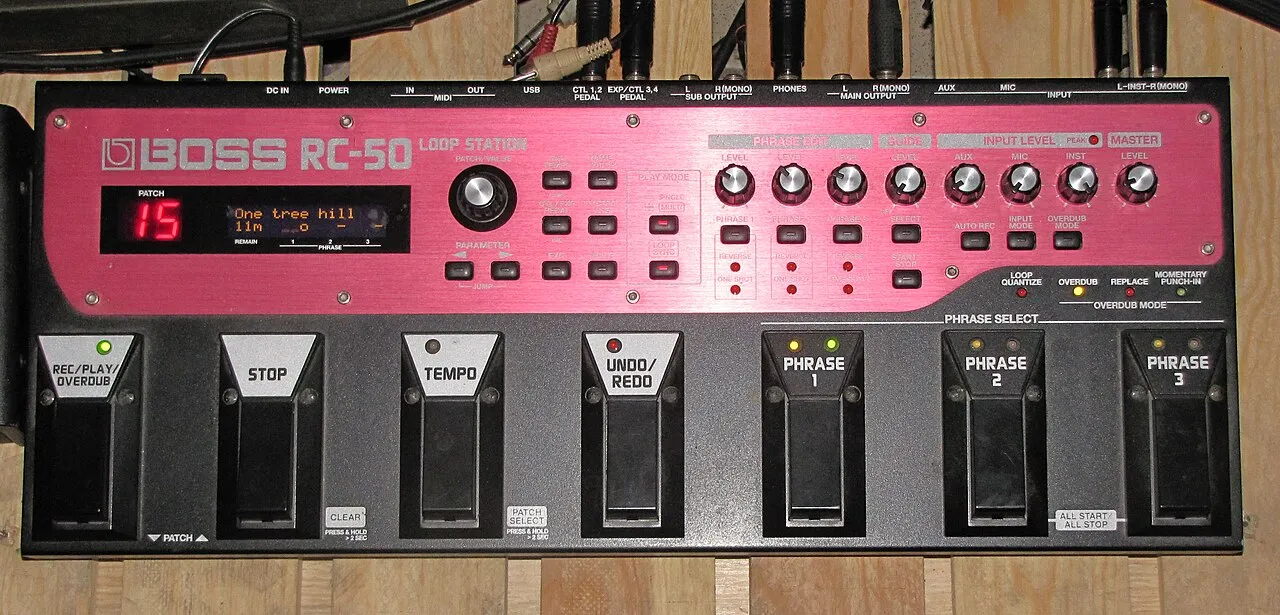 What is a looper and how to use it?What is a looper and how to use it? The loop principle, choosing a model, practicing, composing and playing live: the complete beginner's guide.Read more
 How long does it take to learn the drums?How long does it take to learn the drums: first grooves, first songs and independence. The realistic benchmarks and the right practice rhythm.Read more
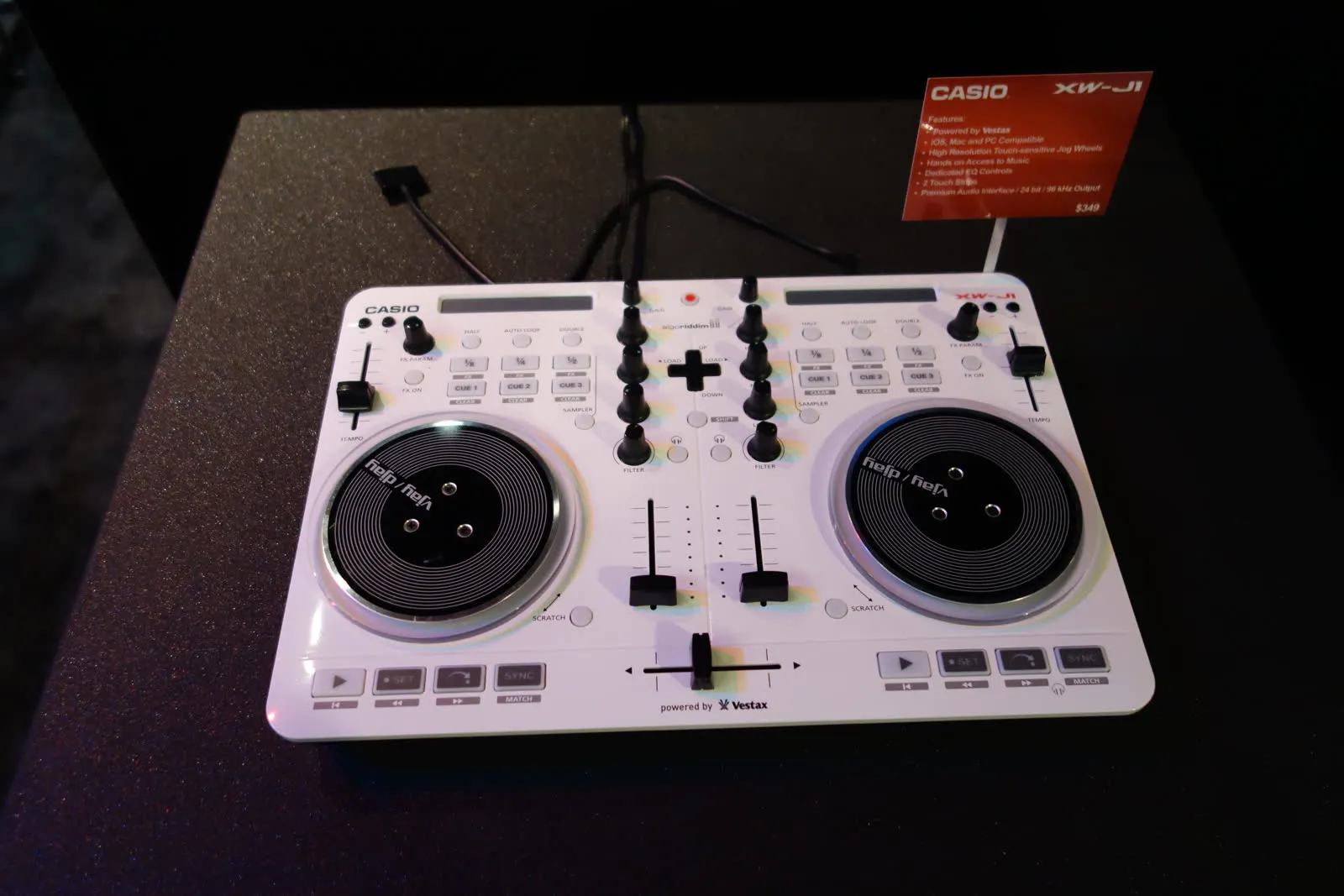 Vestax: Japanese legend of DJ equipment and vinyl turntablesVestax, founded in Tokyo in 1977, made DJing history with its revolutionary vinyl turntables and legendary mixers. A look back at the legacy of a cult brand that continues to inspire DJs around the world.Read more
 Hagstrom: Swedish guitars and basses since 1958Hagstrom, Swedish guitar excellence since 1958.Read more
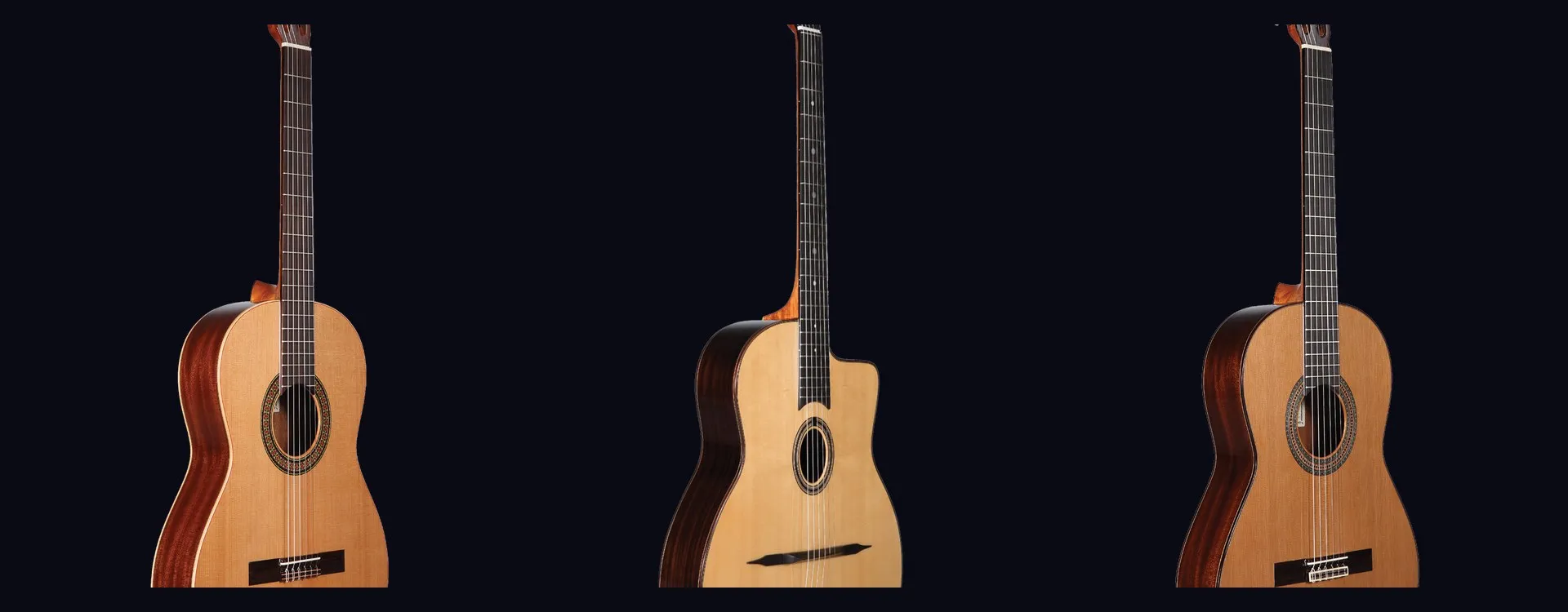 Altamira: classical and flamenco guitars inspired by Spanish traditionAltamira offers classical, flamenco, gypsy jazz guitars and historical replicas inspired by Spanish tradition. From beginner to concertist, discover authentic lutherie at the right price.Read more
 NoiseWorks VoiceAssist: cleaner vocals in less timeWhat if the next real upgrade to your studio were not a new microphone or a preamp, but time? That is the question NoiseWorks raises with VoiceAssist, a plugin that tackles the least creative part of vocal work: cleanup. Background noise, room reverb,Read more
 How to sound a band rehearsal?How to sound a band rehearsal: gear, speaker placement, volume balance and voice amplification for effective rehearsals that protect your hearing.Read more
 How to get a good stage monitor mix?How to get a good stage monitor mix: gear, console connections, volume settings without feedback and placement tips for musicians.Read more
 Which PA amplifier for a room of 100 people?Which PA amplifier for a room of 100 people: power, speaker types, placement and budget advice to sound your venue properly.Read more
 How to connect your computer to a PA system?How to connect your computer to a PA system: audio interface, cables and console settings, with the fallback solutions and the mistakes to avoid.Read more
Leave a comment