On stage, the musicians must hear each other to play together, and that is precisely the role of the stage monitor. Poorly adjusted, it becomes a source of feedback and frustration; well adjusted, it transforms a concert. Here is how to get a good stage monitor mix, from the choice of the gear to the precise settings.
How to get a good stage monitor mix?
A good stage monitor must give each musician the sound they need to play in tune, without covering the room or triggering feedback. Concretely, you need a monitor aimed at the musicians (often on the floor, tilted toward the ears), powered by a dedicated channel of the mixing console, with a volume just loud enough to be heard above the natural volume of the instruments.
The golden rule: the monitor must only contain what the musicians are missing. On a small stage, the drums and the amps are already heard naturally; the monitor is mainly used to make the voices heard, and possibly the instruments that are too far from the ear of the musician.
What gear do you need for a stage monitor?
The basic gear of a stage monitor consists of a monitor speaker (often a floor model with a trapezoidal shape, called a wedge monitor), an amplifier or a powered speaker, and a dedicated channel on the mixing console. For very small stages, a simple speaker placed on the floor and aimed at the musicians can be enough.
Floor monitors are the most common: they are discreet, rugged and easy to install. Monitors on stands or wireless in-ear systems are more expensive alternatives. For a band just starting out, one or two well-adjusted floor monitors are more than enough. Our guide on the gear for playing live when you start out and the one on sounding a small concert will help you put together your first setup.
How to connect a stage monitor to the mixing console?

To connect a stage monitor, use an auxiliary output (auxiliary send, often labeled AUX or MONITOR) of the mixing console, connected to the monitor speaker. Each channel of the console has a control to adjust the level sent to this auxiliary output, which allows you to choose precisely what each musician hears in their monitor.
If your console has several auxiliary outputs, you can create several independent monitors: one for the singer, one for the guitarist, etc. On digital consoles, this management is even more flexible with setting memories. The essential thing is to understand that the monitor is not a simple splitter of the main PA system: it is a separate mix, adjustable for each musician.
How to adjust the volume of a stage monitor without feedback?
The adjustment of the monitor is done gradually: raise the volume of the monitor little by little while the musician sings or plays, and stop as soon as the sound is comfortable. If a whistle starts, immediately lower the volume of the monitor or of the channel concerned, not the general volume.
Monitor feedback is triggered when the microphone picks up the sound of the monitor facing it. To avoid it: place the monitor in front of the microphone (audience side), never behind, tilt it toward the ears of the musician rather than toward the microphone, and use a cardioid microphone. Our guide on preventing feedback at a concert details all the tips.
What should be put in the stage monitor mix?
In the stage monitor, put the voices first (the main need on most stages), then the instruments that the musician does not hear themselves play naturally. For a singer, the monitor must contain their own voice and a little accompaniment to stay in time; for a drummer, the voice and possibly the click; for a guitarist, the voice and the bass.
The bass and the kick drum are often requested in the monitors because they give the pulse. Be careful not to overload: a monitor with too many sources becomes confused and forces the volume up, which increases the risk of feedback. Start with the strict minimum, then add what is really missing.
What you need to remember
- ✔ Monitor in front of the microphone: aimed at the ears of the musician, never behind them.
- ✔ Separate mix: the monitor uses an auxiliary output, not the main output.
- ✔ Progressive volume: raise gently to the comfortable level, no more.
- ✔ The strict minimum: voice and pulse first, the rest only if necessary.
- ✔ Feedback = lower: as soon as a whistle starts, lower the monitor or the channel, not the master.
Do you need one monitor per musician?
No, one monitor per musician is not necessary on a small stage. One or two well-placed monitors are enough for a band of 3 to 5 musicians: a central monitor in front of the singer, possibly a second one for the opposite side of the stage.
Musicians close to a monitor can share the same mix if they have similar needs. It is only on large stages, with many instruments and a high volume, that each musician asks for their own monitor with a personalized mix. For small stages, simplicity is your ally.
How to place the stage monitors properly?
Place each monitor on the floor, in front of the microphone concerned, about one meter away, tilted toward the ears of the musician. The musician must hear the monitor without having to bend down, and the microphone must not be in the direct axis of the speaker.
On a small stage, a central monitor placed in front of the singer and slightly off-center often covers several musicians. Check the listening angle during the sound check: each musician must confirm that they hear well what they need. A good sound check starts with comfortable monitors.
Stage monitor or wireless in-ear monitors?

Floor monitors are simpler, cheaper and do not require individual equipment. Wireless in-ear systems (in-ear monitor systems) offer a more precise sound, protect the hearing and almost completely eliminate the risk of feedback, but they cost more and require an adaptation time. Our article on choosing a mixing console will help you identify the available auxiliary outputs before multiplying the monitors.
For a band that is just starting out or that plays occasionally, floor monitors are the right choice. For regular use on large stages or for musicians sensitive to volume, in-ear monitors are an excellent investment. Some bands combine both: in-ear monitors for the singer, monitors for the others.
🧑💼 The Green Musicians tip
Do the sound check with the monitors: during the sound check, each musician plays and sings while you adjust their monitor. Only once the monitors are comfortable do you adjust the PA system for the room. A band that hears itself well plays better and more in tune.
What budget for a stage monitor?
The budget of a stage monitor is divided into three ranges. At the entry level, a simple powered monitor or a versatile speaker placed on the floor is enough to get by. In the mid range, the monitors offer a better power handling and a more faithful reproduction of the voices. At the top of the range, you find very rugged professional monitors, with a large margin before feedback.
For an amateur band, an entry-level or mid-range monitor is more than enough. The important thing is to choose a model that can be angled and of quality, because it is what will allow you to play comfortably. If your mixing console has few auxiliary outputs, check this point before buying several monitors.
What mistakes should you avoid with stage monitors?
The classic mistakes with monitors are easy to avoid. Never place a monitor behind a microphone, do not raise the volume of the monitors higher than necessary, and do not put too many sources in the monitor mix.
Also avoid adjusting the monitors during the concert: everything must be ready at the sound check. Finally, protect your ears: if the monitor is so loud that you have to shout to talk to your neighbor, it is too loud. A comfortable monitor is an effective monitor.
FAQ - Stage monitor
What is a stage monitor used for?
The stage monitor allows the musicians to hear each other on stage, above the volume of the instruments and of the audience. It contains a separate mix of what each musician needs.
Can you play without a stage monitor?
Yes, in very small rooms where the natural volume is enough. But as soon as the stage becomes large or the volume high, a monitor clearly improves the comfort and the accuracy of the band.
Why does my stage monitor produce feedback?
Feedback appears when the monitor is behind a microphone or too loud. Place the monitor in front of the microphone, lower its volume and use a cardioid microphone to limit the phenomenon.
Do you need an amplifier for a stage monitor?
If the monitor is a passive speaker, yes. Powered monitors include their amplification and connect directly to the auxiliary output of the mixing console.
How to create several independent monitors?
Use a different auxiliary output for each monitor on the mixing console, then adjust the level sent from each channel to each auxiliary output. Digital consoles make this management easier.
What is the difference between the monitor and the main PA system?
The main PA system is aimed at the audience and contains the complete mix of the room. The monitor is aimed at the musicians and contains only what they need to play together.
There you go! We hope this article helped you understand how to get a good stage monitor mix. All you have to do now is browse Green Musicians to find the monitor or the speaker you need at the best price.
We offer you a complete catalog of music gear featuring brands from all over the world such as Mackie, Studiomaster, Proel, Peavey, Alto and many more. Whether you are an amateur or a professional musician, our marketplace is designed to offer you the best of music.
Green Musicians is also the music marketplace where everyone can sell or buy music gear with confidence: new, refurbished and used instruments, but also software, plugins, sheet music and samples.
For any question or comment about this article, or if you would like to suggest an article topic, feel free to leave a comment below.

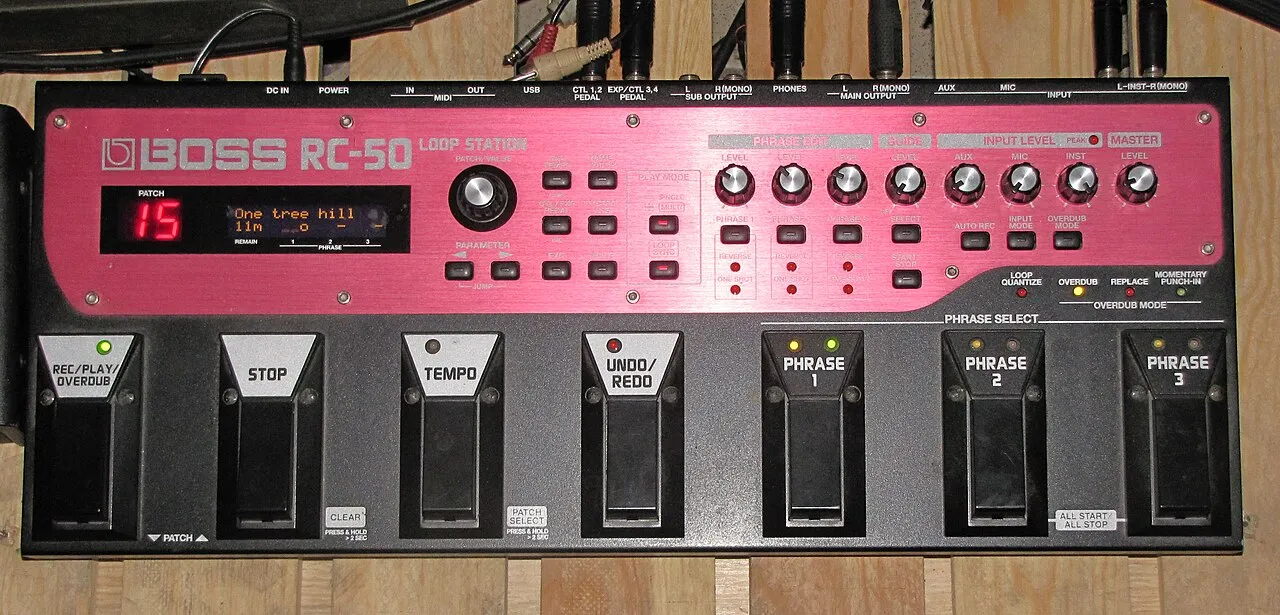 What is a looper and how to use it?What is a looper and how to use it? The loop principle, choosing a model, practicing, composing and playing live: the complete beginner's guide.Read more
 How long does it take to learn the drums?How long does it take to learn the drums: first grooves, first songs and independence. The realistic benchmarks and the right practice rhythm.Read more
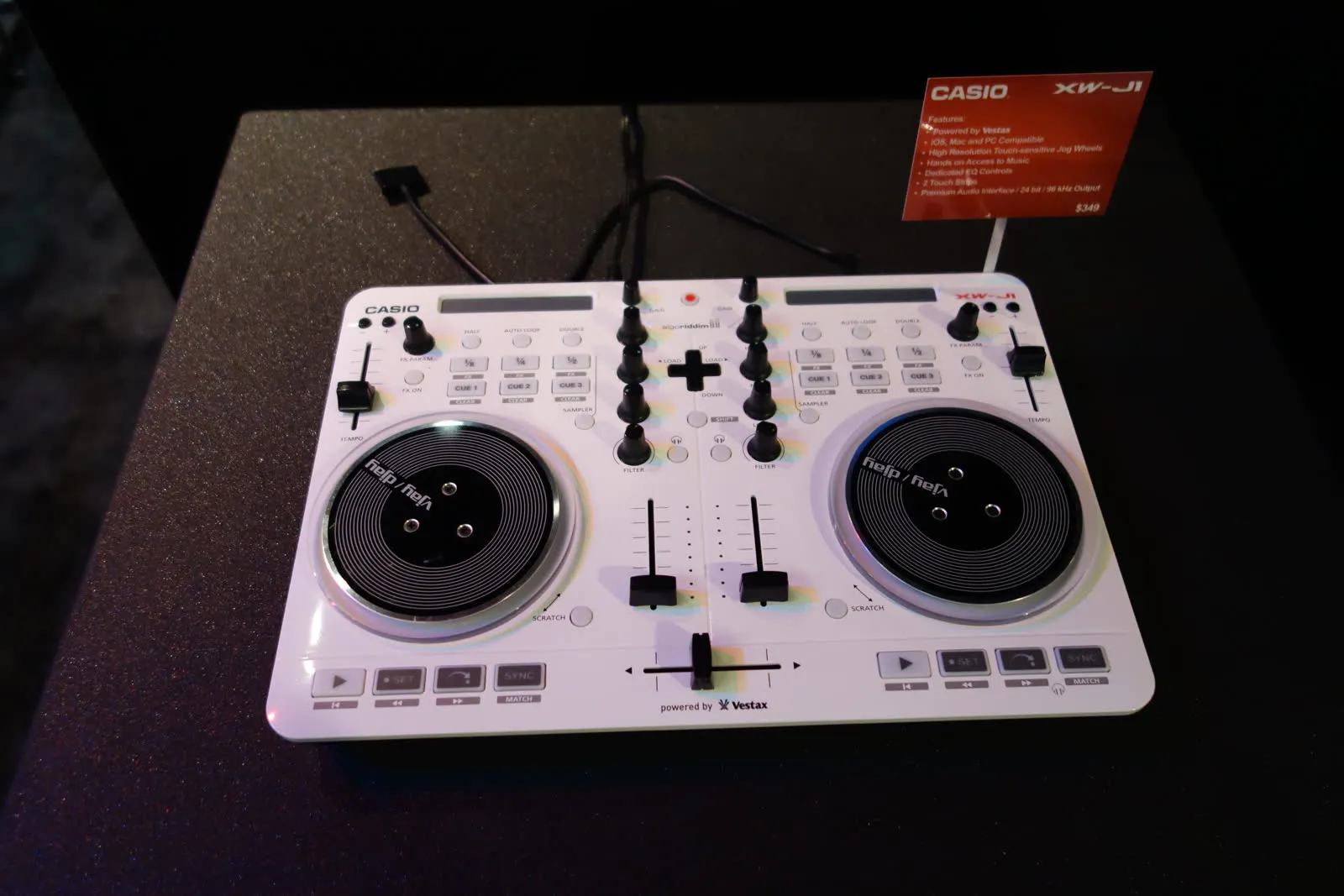 Vestax: Japanese legend of DJ equipment and vinyl turntablesVestax, founded in Tokyo in 1977, made DJing history with its revolutionary vinyl turntables and legendary mixers. A look back at the legacy of a cult brand that continues to inspire DJs around the world.Read more
 Hagstrom: Swedish guitars and basses since 1958Hagstrom, Swedish guitar excellence since 1958.Read more
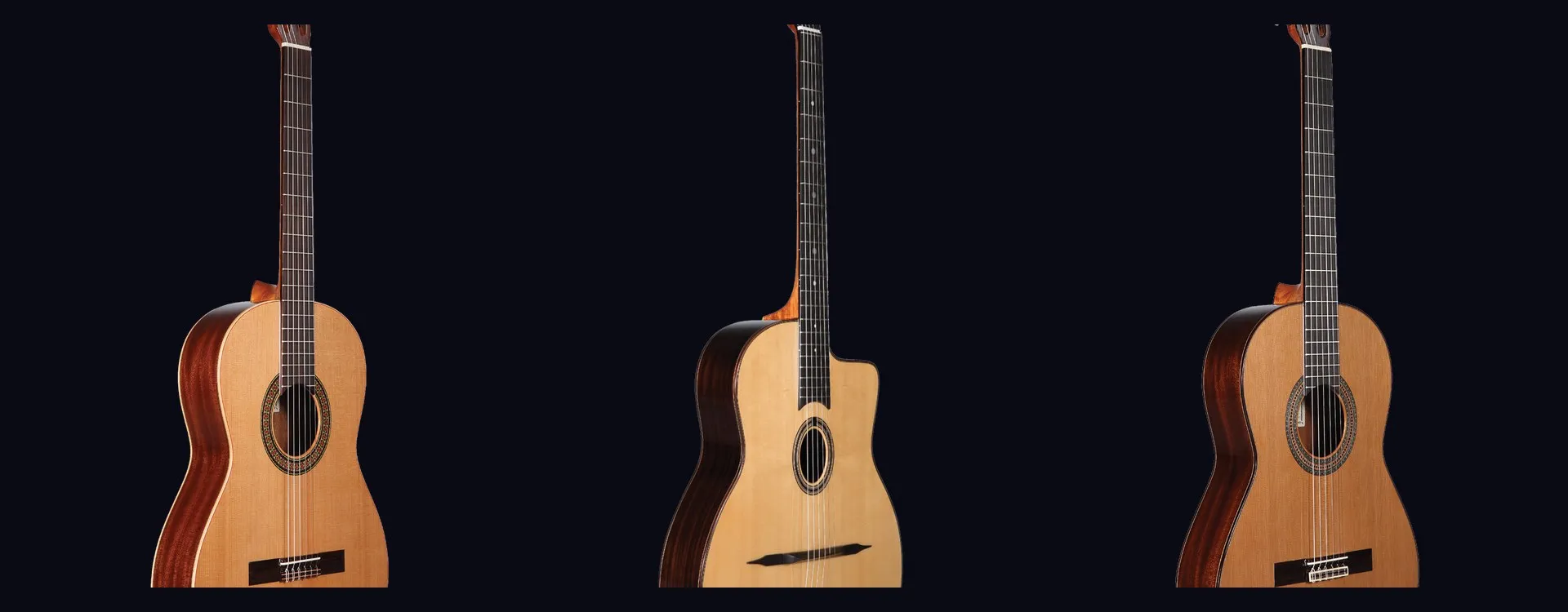 Altamira: classical and flamenco guitars inspired by Spanish traditionAltamira offers classical, flamenco, gypsy jazz guitars and historical replicas inspired by Spanish tradition. From beginner to concertist, discover authentic lutherie at the right price.Read more
 NoiseWorks VoiceAssist: cleaner vocals in less timeWhat if the next real upgrade to your studio were not a new microphone or a preamp, but time? That is the question NoiseWorks raises with VoiceAssist, a plugin that tackles the least creative part of vocal work: cleanup. Background noise, room reverb,Read more
 How to sound a band rehearsal?How to sound a band rehearsal: gear, speaker placement, volume balance and voice amplification for effective rehearsals that protect your hearing.Read more
 How to get a good stage monitor mix?How to get a good stage monitor mix: gear, console connections, volume settings without feedback and placement tips for musicians.Read more
 Which PA amplifier for a room of 100 people?Which PA amplifier for a room of 100 people: power, speaker types, placement and budget advice to sound your venue properly.Read more
 How to connect your computer to a PA system?How to connect your computer to a PA system: audio interface, cables and console settings, with the fallback solutions and the mistakes to avoid.Read more
Leave a comment