You want to compose music on your computer but the world of computer music (computer-assisted music production) seems complex to you? Good news: getting started is easier than you think. Here is the step by step guide to begin without breaking the bank, with the right tools and the right methods.
How to start making computer music when you know nothing about music?
Start with 3 things: a computer, a free or affordable DAW, and structured tutorials. Do not try to master everything at once: first learn to create tracks, import loops and compose a simple melody. Computer music is learned by doing, not by reading.
Which computer music software for beginners?
The best software for beginners: GarageBand (Mac, free), FL Studio (popular, accessible), Waveform Free (free, Windows/Mac), LMMS (open source), Studio One Prime and Reaper (unlimited trial, affordable). Pick one and stick with it: skill comes with depth of use.
Do you need to play an instrument to make computer music?
No, not at all. You can compose: with your computer keyboard (the virtual keyboard), with a MIDI keyboard (recommended), or by editing notes in the MIDI editor (piano roll) of the DAW. Many famous producers do not play any traditional instrument. Basic music knowledge (scales, chords) helps, but it is learned through practice.
What is a DAW and which is the best for beginners?
A DAW (Digital Audio Workstation) is the music production software: it is your virtual studio. The "best" one for beginners is the one that feels simplest to you: GarageBand on Mac, FL Studio for beatmaking, Waveform Free for a free first step. Check out our guides Which DAW to choose in 2026? and What is a DAW?.
What gear do you need to start making computer music?
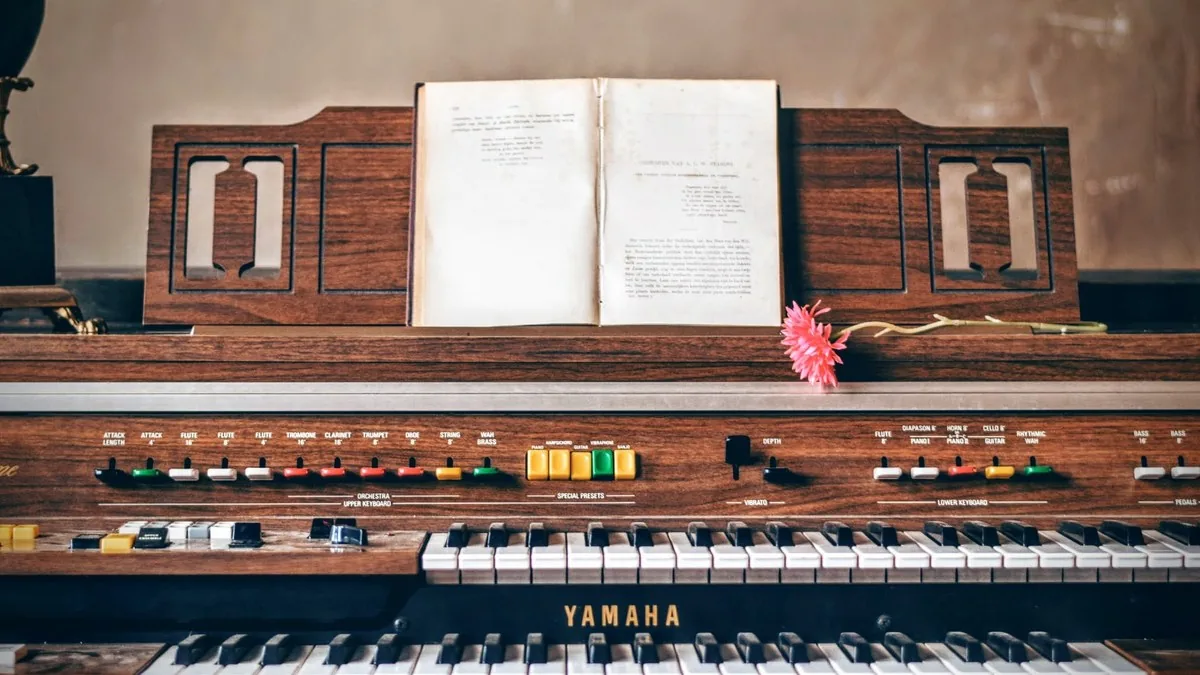
The minimum: a computer and headphones. To compose more comfortably: a MIDI keyboard (49 keys are enough) and, if you want to record, an audio interface and a microphone. Start with the computer and the software, then add gear according to your real needs. Our guide Home studio: the complete guide covers everything.
How to learn computer music for free?
Take advantage of free tutorials: YouTube channels dedicated to your DAW, official documentation, forums and communities. Free DAWs (GarageBand, Waveform Free, LMMS) let you practise without spending anything. Regular practice on small projects is the best school: make a cover, a beat, a loop.
What mistakes should beginners avoid in computer music?
- Installing too many plugins: first learn the instruments and effects included in your DAW.
- Switching DAWs constantly: pick one and go deeper.
- Ignoring headphones or monitors: mixing without reliable monitoring gives unpredictable results.
- Chasing immediate perfection: quality comes with practice, not with gear.
- Not saving your work: save your projects regularly and back them up.
How long does it take to learn computer music?
By practising a few hours a week, you will create your first beats or simple tracks in 1 to 3 months. Mastering mixing and composition takes 1 to 2 years of regular practice. The important thing is to finish projects, even imperfect ones: every finished project teaches you more than a tutorial.
Do you need a powerful computer for computer music?
No, a recent computer with 8 GB of RAM is enough to get started. Big projects (many tracks, heavy virtual instruments) require more power, but you can produce complete tracks with a modest machine by using the right number of tracks and effects.
How to go from amateur computer music to serious production?
Structure your learning: DAW basics → composition → arrangement → mixing → mastering. Finish complete projects, study tracks you love (by trying to recreate them), and ask for feedback (communities, musician friends). Regularity and curiosity make all the difference.
FAQ - Getting started with computer music
Can you make computer music without any gear?
Yes: with a computer and a free DAW, you can compose entirely with your computer keyboard or with virtual instruments.
What is the best free computer music software?
GarageBand (Mac), Waveform Free, LMMS and Studio One Prime are the best free options to get started.
Do you need a MIDI keyboard for computer music?
Not mandatory, but highly recommended: it makes composing more natural and faster than with your computer keyboard.
How much does gear cost to start making computer music?
You can start with a computer and free software. An entry-level MIDI keyboard remains affordable, and the mid-range offers more comfort.
What is the difference between computer music and a home studio?
Computer music is music creation on a computer (composition, arrangement). A home studio adds recording (audio interface, microphone, acoustics). The two complement each other.
Can you make electronic music with a free DAW?
Yes, absolutely: all free DAWs let you create electronic music with built-in synths and loops.
To go further, check out Ableton Live Suite 11.6 and the free DAW LMMS on Green Musicians.
Ready to start making computer music?
Discover our DAWs, MIDI keyboards and audio interfaces for beginners
View music softwareAnd there you have it! We hope this article gave you the keys to getting started with computer music. All you have to do now is browse Green Musicians to find the music software of your dreams at the best price.
We offer a complete catalogue of software and equipment featuring publishers from all over the world such as Steinberg, Ableton, Image-Line, PreSonus and many more. Whether you are a beginner or an experienced producer, our marketplace is designed to offer you the best of music.
For any question or comment about this article, or if you would like to suggest an article topic, feel free to leave a comment below.

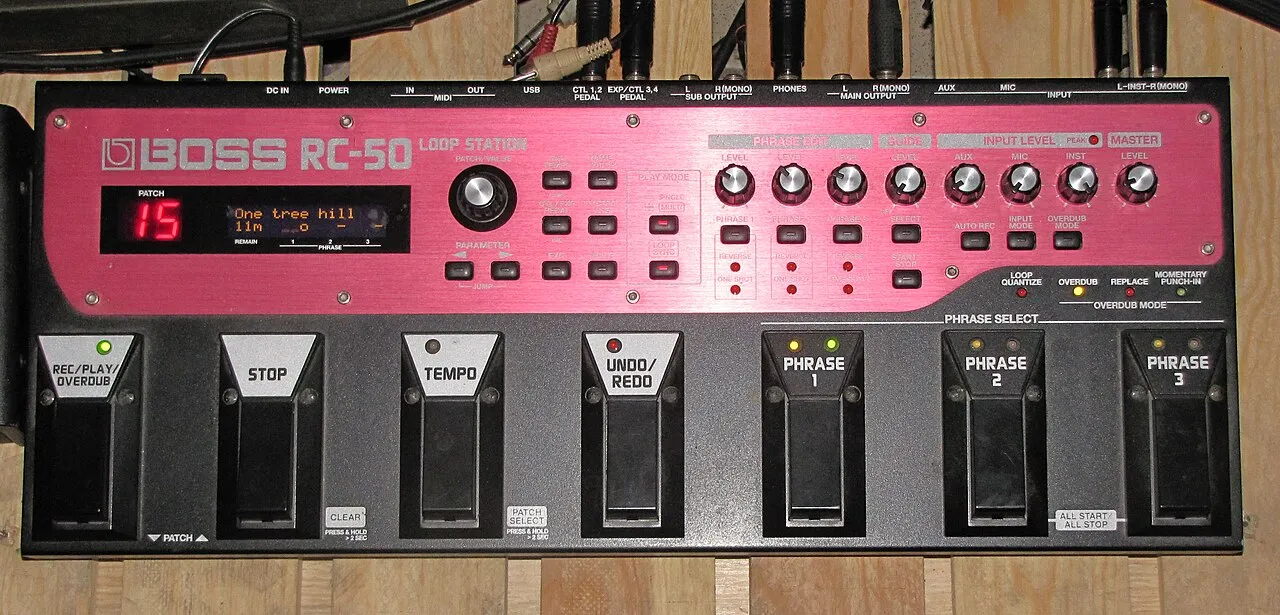 What is a looper and how to use it?What is a looper and how to use it? The loop principle, choosing a model, practicing, composing and playing live: the complete beginner's guide.Read more
 How long does it take to learn the drums?How long does it take to learn the drums: first grooves, first songs and independence. The realistic benchmarks and the right practice rhythm.Read more
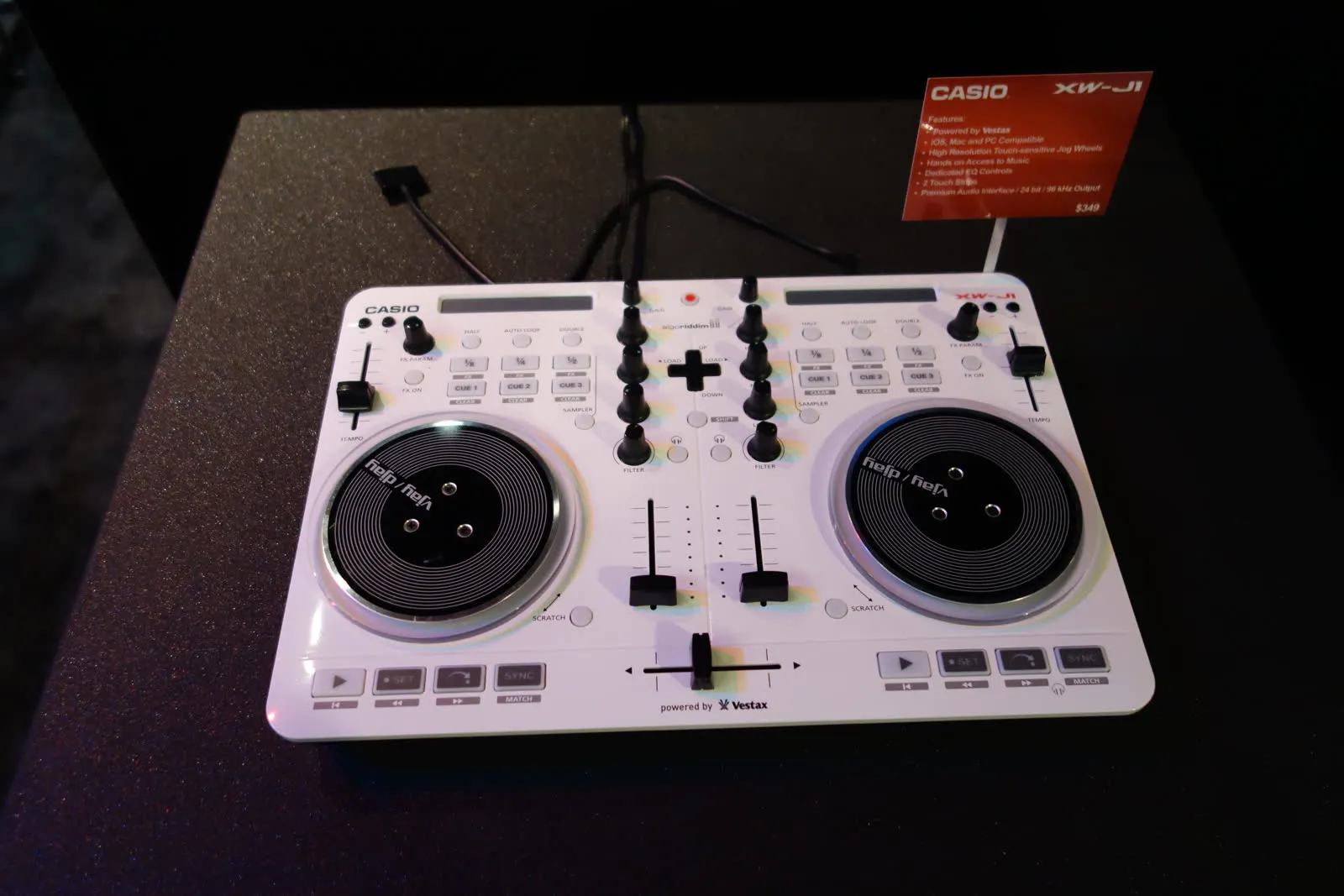 Vestax: Japanese legend of DJ equipment and vinyl turntablesVestax, founded in Tokyo in 1977, made DJing history with its revolutionary vinyl turntables and legendary mixers. A look back at the legacy of a cult brand that continues to inspire DJs around the world.Read more
 Hagstrom: Swedish guitars and basses since 1958Hagstrom, Swedish guitar excellence since 1958.Read more
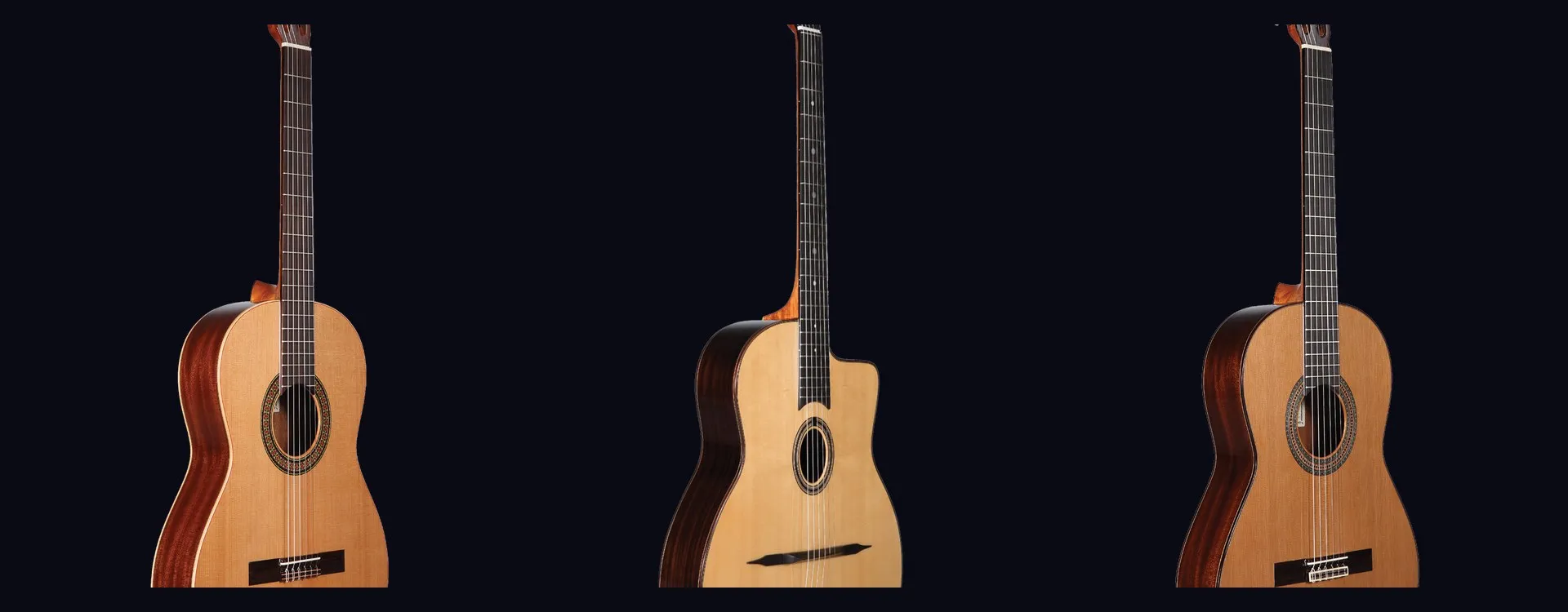 Altamira: classical and flamenco guitars inspired by Spanish traditionAltamira offers classical, flamenco, gypsy jazz guitars and historical replicas inspired by Spanish tradition. From beginner to concertist, discover authentic lutherie at the right price.Read more
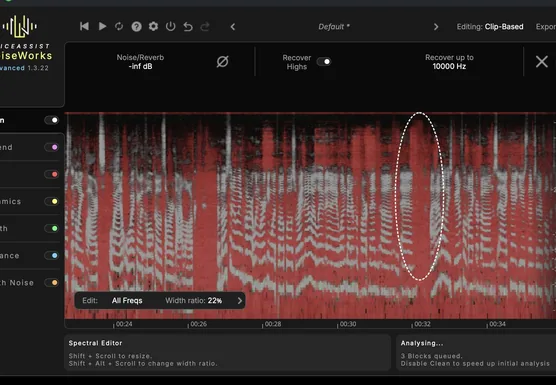 NoiseWorks VoiceAssist: cleaner vocals in less timeWhat if the next real upgrade to your studio were not a new microphone or a preamp, but time? That is the question NoiseWorks raises with VoiceAssist, a plugin that tackles the least creative part of vocal work: cleanup. Background noise, room reverb,Read more
 How to sound a band rehearsal?How to sound a band rehearsal: gear, speaker placement, volume balance and voice amplification for effective rehearsals that protect your hearing.Read more
 How to get a good stage monitor mix?How to get a good stage monitor mix: gear, console connections, volume settings without feedback and placement tips for musicians.Read more
 Which PA amplifier for a room of 100 people?Which PA amplifier for a room of 100 people: power, speaker types, placement and budget advice to sound your venue properly.Read more
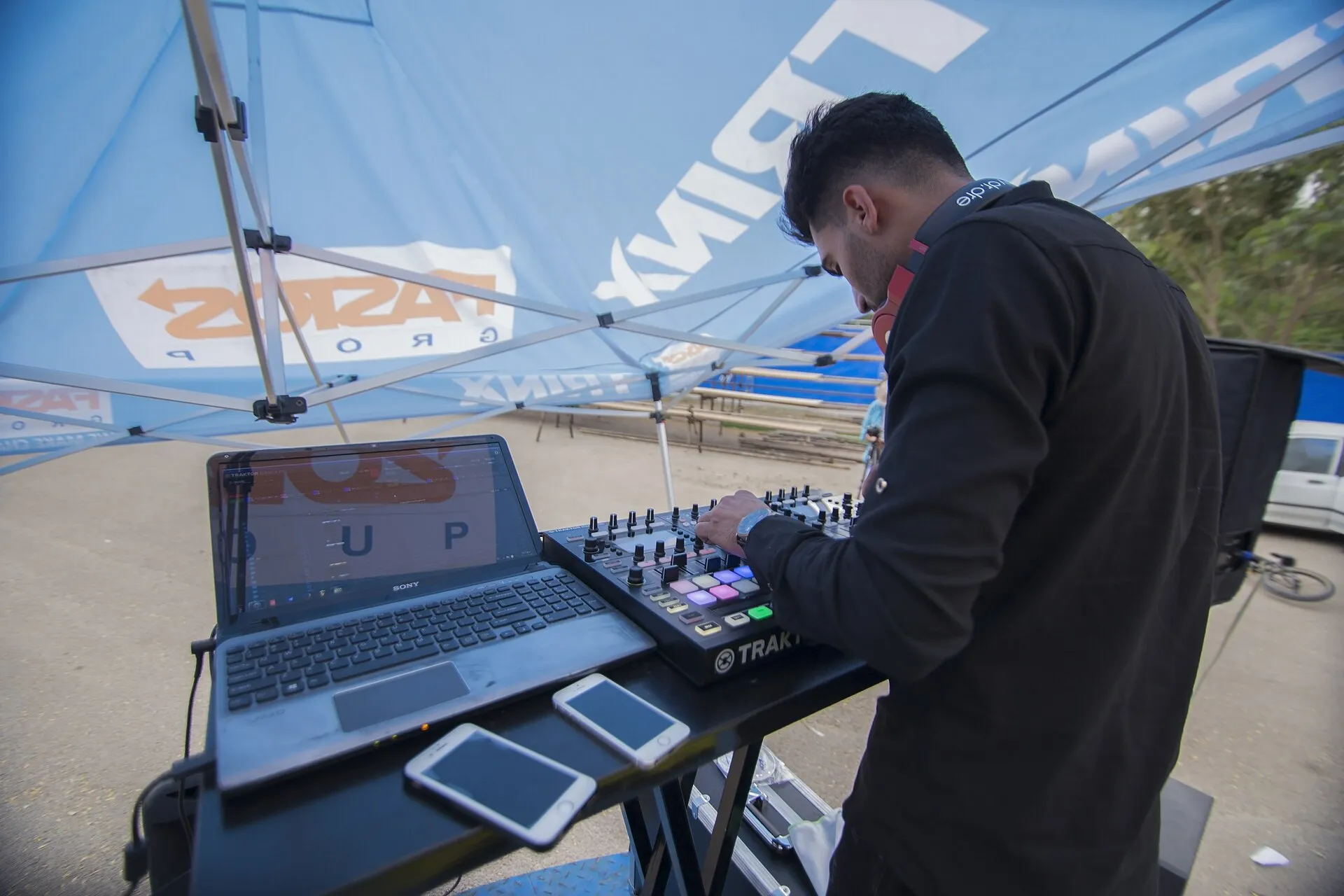 How to connect your computer to a PA system?How to connect your computer to a PA system: audio interface, cables and console settings, with the fallback solutions and the mistakes to avoid.Read more
Leave a comment