What if the next real upgrade to your studio were not a new microphone or a preamp, but time? That is the question NoiseWorks raises with VoiceAssist, a plugin that tackles the least creative part of vocal work: cleanup. Background noise, room reverb, breaths, sibilance, mouth noises, uneven levels, low-end resonances: all tasks that eat a considerable amount of time on every take.
Why does vocal cleanup take so long in the studio?
Because a vocal take almost never arrives clean. Even when the performance is excellent, the recording carries artefacts the ear notices without them ever having been played: fan hum, traffic behind the window, room reflections, a breath that is too loud before a phrase, a lip click, an aggressive sibilant, a low resonance that makes the voice sound bloated.
Fixing this by hand means a string of steps: spectral cleanup, reverb reduction, phrase-by-phrase volume automation, breath editing, gating, low-end correction. Multiply that by the vocal tracks and then by the projects: editing time often exceeds recording time.
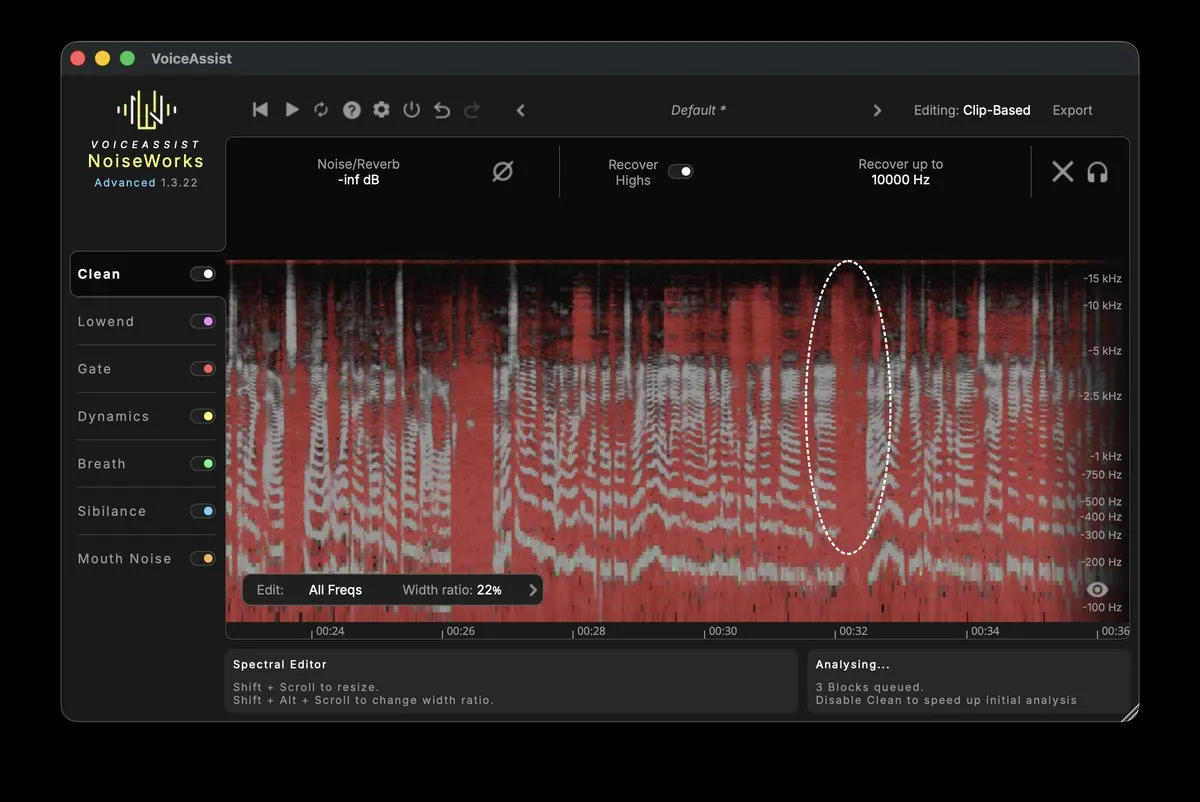
What is NoiseWorks VoiceAssist?
VoiceAssist is an AI-assisted vocal and speech processing plugin. Its promise: bringing the repetitive work of preparing a voice into a single tool, rather than stacking specialised processors.
In practice, it combines several processes in one environment: noise and reverb removal, automatic levelling, mouth noise reduction, breath and sibilance control, low-end handling and intelligent gating. Every process stays editable, so the user never loses control.
It installs as a standard vocal processor in your chain and targets music production as much as spoken content.
Key takeaways
- ✔ One single tool: noise, reverb, levels, breaths, sibilance, mouth noises and low end brought together in one place.
- ✔ Editable processing: the automation stays adjustable, you keep control of the result.
- ✔ Singing and speech: music production, podcasting, voice-over.
- ✔ Time saved: removing the necessary but repetitive chores.
What does VoiceAssist actually do to a vocal take?
The plugin groups six functions, each one answering an identified editing chore.
How does it remove noise and room reverb?
The removal module handles continuous noise and room reflections: fans, air conditioning, traffic, the resonances of an unflattering room. The goal: a usable vocal without tracking it again.
What is automatic vocal levelling for?
It writes phrase-by-phrase volume automation to even out a take where the singer moved away from the microphone. Unlike heavy compression, it acts on level without crushing the expressive dynamics.
How are mouth noises and sibilance handled?
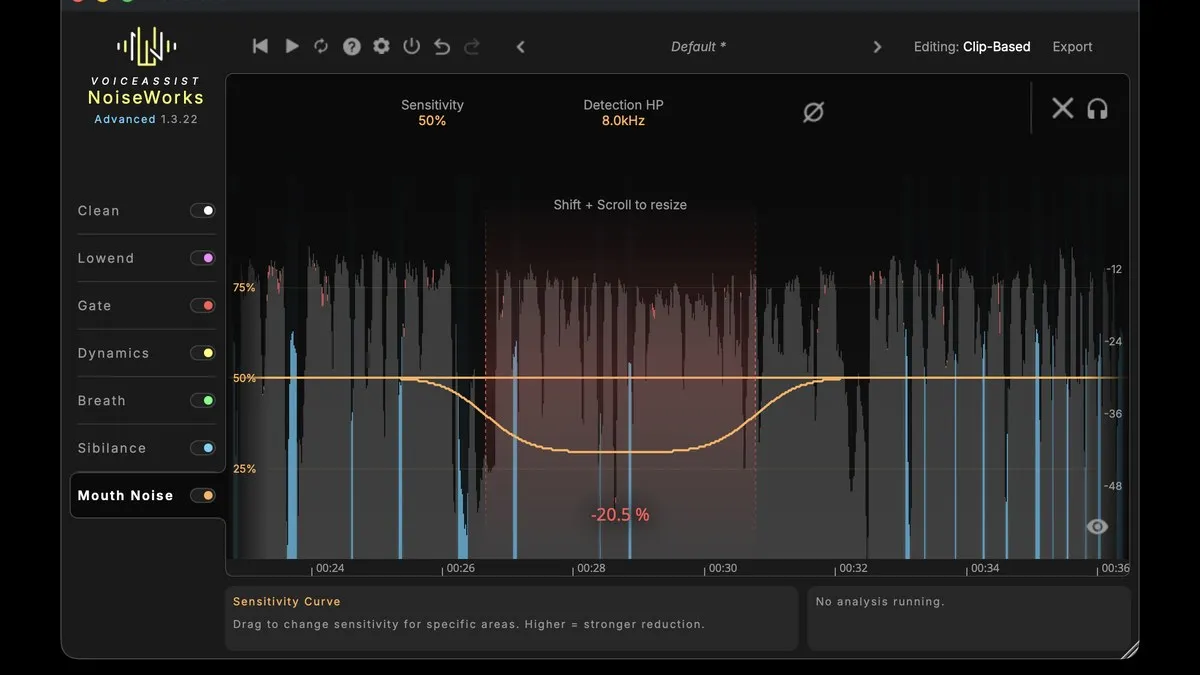
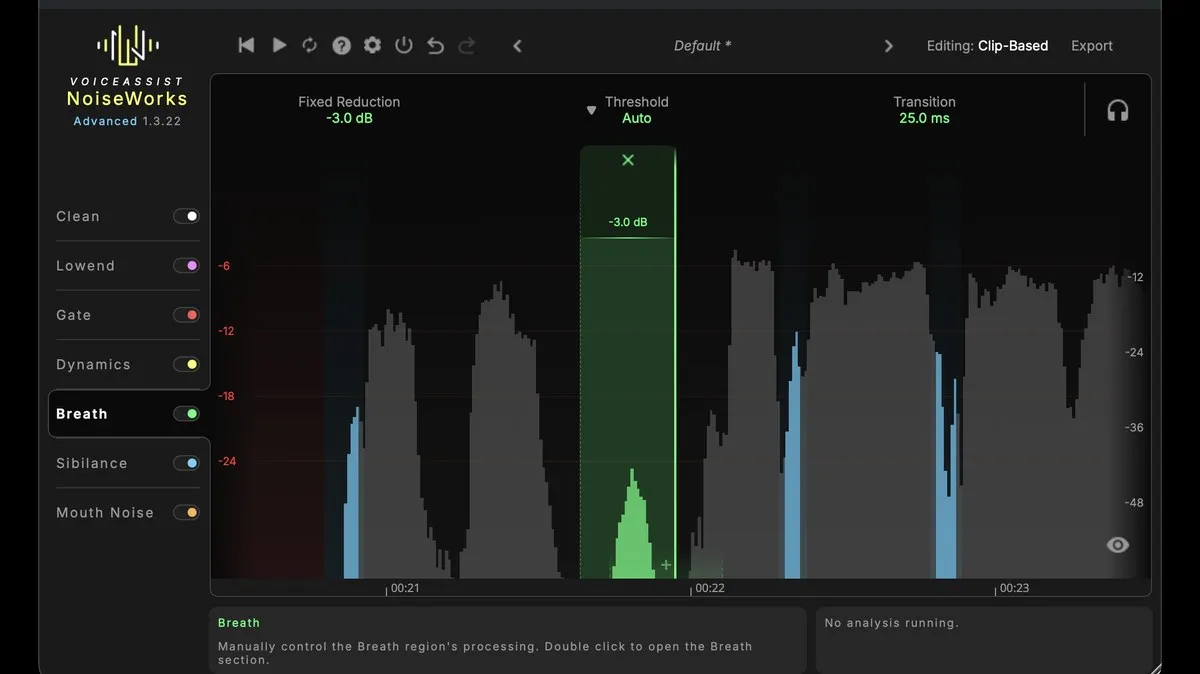
Lip clicks and tongue noises are softened. Breaths that are too present and hard consonants are treated while keeping things natural: a completely removed breath sounds wrong, so the setting is a matter of dosage.
Why treat the low end and gate the vocal?
The low-end module brings back missing body on a thin voice and reduces resonances on a heavy one, often the most audible flaw in a small room. The gate detects the real start and end of the voice without clipping words.
Does VoiceAssist replace a sound engineer?
No. NoiseWorks presents it as a way to skip the essential but boring parts of the work, not as a substitute for human judgement. Mix engineer Alastair McMillan, credited on U2 and Van Morrison, describes a considerable time saving on vocal preparation. The time won back is reinvested where humans make the difference: performance, timbre, emotion, final mix.
🧠 Pro tip
Always process the vocal take BEFORE writing your creative effect automation. If you clean the voice after setting up your processing chain, every correction forces you to revisit the downstream settings. A clean voice upstream makes everything else more stable.
Which editions of VoiceAssist are available?
Three editions let you enter the range depending on the productions you handle: VoiceAssist Basic to discover the approach, VoiceAssist Standard for regular use, and VoiceAssist Advanced for intensive studio work.
It fits into the NoiseWorks ecosystem, alongside dynamics tools such as NoiseWorks DynAssist and the NoiseWorks Vocal Bundle.
Cleanup plugin or new hardware: which should you choose?
It is a classic trade-off with no single answer. A pair of microphones, a better preamp or acoustic treatment change what you capture at the source, and that remains irreplaceable. VoiceAssist acts on what comes after.
The right question is therefore not "which is the best product", but "where is my bottleneck". If your takes are good but your projects ship late, time is the bottleneck. Our selection of noise reduction plugins maps the approaches, and the studio and recording page gathers microphones and processors.
Why is time the real scarce resource in the studio?
Because hardware has become remarkably affordable: a home studio today enjoys a conversion and processing quality that was out of reach twenty years ago. The limit is no longer the number of plugins, but the hours available.
Every hour spent cleaning up a breath is spent neither on creation, nor on mixing, nor on finishing. Hence the NoiseWorks formula: the best studio upgrade is not always a purchase, it is sometimes getting your time back.
FAQ - NoiseWorks VoiceAssist
Does VoiceAssist also work for podcasting and voice-over?
Yes. It processes sung voice just as it does spoken voice, which makes it relevant for podcasts, narration, voice-over and dubbing as much as for music.
Is the automatic processing editable?
Yes. The level automation can be adjusted syllable by syllable. Unlike compression, which reduces dynamics globally, the levelling writes a dedicated volume curve, so the voice keeps its natural character and relief.
Can I use it on a take recorded in an untreated room?
Yes, that is one of its most favourable grounds: the noise, reverb and low resonances of an imperfect room are precisely what it handles. See also our guide to reducing background noise.
Ready to save time on your vocal sessions?
New, refurbished, second-hand and short-circuit software and plugins: the best of music is here.
EXPLORE THE NOISEWORKS RANGEAnd that is it! We hope this article helped you see things more clearly about vocal cleanup and the time it costs in a session.
Our full catalogue of software, plugins and music gear includes publishers from all over the world. Whether you are an amateur musician or a professional, our marketplace is designed to bring you the best of music.
Green Musicians is also the marketplace where everyone can sell or buy music gear with confidence: new, refurbished and second-hand instruments, but also software, plugins, sheet music and samples.
For any question or comment about this article, or if you would like to suggest a topic, feel free to speak up below.

 What is a looper and how to use it?What is a looper and how to use it? The loop principle, choosing a model, practicing, composing and playing live: the complete beginner's guide.Read more
 How long does it take to learn the drums?How long does it take to learn the drums: first grooves, first songs and independence. The realistic benchmarks and the right practice rhythm.Read more
 Vestax: Japanese legend of DJ equipment and vinyl turntablesVestax, founded in Tokyo in 1977, made DJing history with its revolutionary vinyl turntables and legendary mixers. A look back at the legacy of a cult brand that continues to inspire DJs around the world.Read more
 Hagstrom: Swedish guitars and basses since 1958Hagstrom, Swedish guitar excellence since 1958.Read more
 Altamira: classical and flamenco guitars inspired by Spanish traditionAltamira offers classical, flamenco, gypsy jazz guitars and historical replicas inspired by Spanish tradition. From beginner to concertist, discover authentic lutherie at the right price.Read more
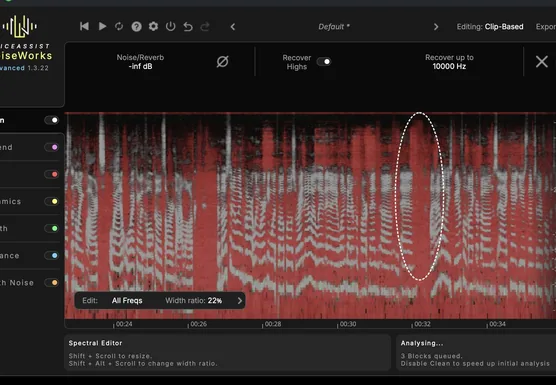 NoiseWorks VoiceAssist: cleaner vocals in less timeWhat if the next real upgrade to your studio were not a new microphone or a preamp, but time? That is the question NoiseWorks raises with VoiceAssist, a plugin that tackles the least creative part of vocal work: cleanup. Background noise, room reverb,Read more
 How to sound a band rehearsal?How to sound a band rehearsal: gear, speaker placement, volume balance and voice amplification for effective rehearsals that protect your hearing.Read more
 How to get a good stage monitor mix?How to get a good stage monitor mix: gear, console connections, volume settings without feedback and placement tips for musicians.Read more
 Which PA amplifier for a room of 100 people?Which PA amplifier for a room of 100 people: power, speaker types, placement and budget advice to sound your venue properly.Read more
 How to connect your computer to a PA system?How to connect your computer to a PA system: audio interface, cables and console settings, with the fallback solutions and the mistakes to avoid.Read more
Leave a comment