A VST Plugin (Virtual Studio Technology) is the most widespread standard in the world and constitutes the quintessence of an audio plugin.
VST was developed by Steinberg Media Technologies in 1996. Initially designed as a means to facilitate music production on personal computers, they operate by inserting into specific music software, allowing users to modify and enhance the sound of the final product.
The VST is an independent tool, referred to as a native plugin, because it relies on your computer's processor to function.
There are many types of VST plugins available, ranging from virtual instruments to audio effects, as well as mixing and mastering tools.
Which audio plugin to use?
An audio plugin is a sophisticated tool that allows musicians to create and edit sounds. Plugins are the central point of modern music production, especially when used with software such as Ableton Live, Cubase, FL Studio, Logic Pro, Pro Tools, or Reaper.
However, even though plugins can be very powerful, they are not always easy to understand. This article is designed to give you a comprehensive introduction to the world of plugins and explain how to choose the right options for your project. All the plugins you are looking for are available on Green Musicians.
Types of VST Plugins
VST audio plugins come in various types, each offering powerful features and enabling musicians and producers at any level to achieve a unique sound. Here are the main types of VST audio plugins:
- Virtual Instruments - Virtual instruments recreate the sound of an acoustic or electronic instrument. They can be used in multi-instrument setups or solo. Examples of virtual instruments include synthesizers, pianos, organs, and drums.
- Audio Effects - Audio effects are plugins designed to modify the sound of an audio track. They can be used to add saturation, reverb, equalizers, and much more. Audio effects are popular among many producers.
- Mixing and Mastering Tools - Mixing and mastering tools are plugins that can be used to enhance the sound quality of a project. They can be used for dynamic leveling, equalizing, and compressing individual tracks or entire groups.
- Utilities: they help optimize workflow in your DAW, offering features such as track management or project organization.
Choosing the Right VST Plugins
There are many VST plugins available, and it can be challenging to know which one to choose. The first thing to consider is the type of sound you're looking for. If you're looking to add instruments to your project, such as a piano, guitar, or drums, virtual instruments are likely the best choice. On the Green Musicians platform, you can specify your search to find the plugins that match your needs.
If you want to modify the sound of an existing track, audio effects are a good way to achieve this. Once you know exactly what you need, you can look for specific plugins and determine which ones best fit your style and budget.
VST, Audio Unit (AU), VST3
Today, audio plugins are available in three different formats: VST, AU, and VST3. Each of these formats has its own advantages and disadvantages. Classic VST plugins are compatible with most major audio production software, while AU plugins are exclusively compatible with Mac OSX and can be used with applications like Garageband and Logic Pro.
Finally, VST3 plugins are the latest version of Virtual Technology developed by Steinberg. They offer a wider variety of features and are more efficient because they use your computer's performance only when necessary. Unlike classic VST, VST3 activates only when its features are used, saving CPU resources. They are also developed to work under different operating systems, unlike AUs, which are specific to the Apple standard.
VST plugins are powerful tools that allow musicians and producers to create unique sounds. There are many types of audio plugins available, ranging from virtual instruments to audio effects, and mixing and mastering tools.
When choosing audio plugins, it's important to determine the type of sound you want and look for specific plugins suited to your style and budget. Choosing the right format will depend on the software and operating system you are using.
Besides VST plugins, there are other plugin formats designed to work with different digital audio workstations. Here are some of the most common formats:
- AU (Audio Units): This is Apple's native format for audio plugins on Mac OS X. It is similar to the VST format and can be used with software such as Logic Pro X, GarageBand, or even Ableton Live (on Mac).
- RTAS (Real Time AudioSuite): Developed by Avid, this format is specific to Pro Tools software. It allows seamless integration with these digital audio workstations.
- TDM (Time Division Multiplexing): Also developed by Avid, the TDM format is intended for Pro Tools HD systems and offers real-time audio processing with low latency.
- AAX (Avid Audio eXtension): This is Avid's most recent plugin format, designed to replace RTAS and TDM. AAX plugins offer improved performance and increased compatibility with Pro Tools systems.
Which audio plugin format should you choose?
- If you work with both Mac and PC? We recommend using VST3, as they offer the best compromise between performance and compatibility across different operating systems.
- If you're exclusively a Mac user? Use AU since they were specifically developed by and for Apple.
- If you work on Pro Tools? AAX will be the most suitable for your software. AAX stands for Avid Audio Extension, an audio plugin format developed by Avid Technology. It is a native and DSP-powered plugin specifically for Pro Tools use.
- If your workflow requires very low latency for real-time processing of your audio tools? Opt for a DSP audio interface that will make the most of your computer's performance.
Native plugins or DSP?
Native plugins and DSP (Digital Signal Processing) are two types of audio technologies used in music production and recording software. Native plugins utilize the host computer's processing power to function.
DSPs, on the other hand, are dedicated audio processors designed to perform real-time audio processing with very low latency. DSPs are usually integrated directly into sound cards, mixing consoles, and external effects processors.
Although both technologies are used for audio processing, DSPs are often considered to be more performant and offer superior audio quality due to their dedicated real-time processing. Native plugins, however, can be more practical and economical as they do not require additional hardware equipment and are often included in music production software.
In summary, the choice between native plugins and DSPs depends on individual needs and preferences in audio processing. Native plugins are ideal for home studio projects and producers on a budget, while DSPs are better suited for professional environments and live applications requiring minimal latency. Check our platform Green Musicians, and find the plugins that suit you.
How to Choose the Best Audio Plugins for Your DAW
Compatibility With Your Software and Operating System
One of the first things to check is the plugin compatibility with your digital audio workstation and your operating system (Mac or PC). Make sure the plugin format (VST, AU, RTAS, etc.) is supported by your DAW and that it works on your version of Windows or macOS.
Sound Quality and Performance
The most important factor when choosing an audio plugin is the sound quality it provides. Take the time to listen to audio demos and read user reviews to get an idea of what the plugin can bring to your music production. Also, verify that the plugin does not consume too many system resources and that it does not slow down your DAW.
Price and Economic Model
Audio plugins can vary greatly in terms of price, from free to several hundred euros. It's essential to find a balance between your needs and your budget. Some developers also offer interesting economic models, such as perpetual licenses, bundle offers, monthly subscriptions, or even free updates and allow downloads.
Some Must-Have Plugin Examples
Max for Live
Max for Live is a powerful tool that extends the capabilities of Ableton Live by adding custom effects, instruments, and utilities. It is a visual programming environment where you can create your own audio plugins or download those created by other users.
Waves
Waves is one of the largest developers of audio plugins, offering a wide range of effects, virtual instruments, and utilities to control the dynamics of your tracks. Considered a standard, among their most popular products, we can mention their Gold bundle edition, which includes over 40 essential plugins for music production.
UAD
UAD plugins are among the best audio processing tools available on the market. Developed in collaboration with the biggest audio hardware brands, they guarantee exceptional sound reproduction and high fidelity dynamics. They are also very efficient, thanks to their use of real-time DSP processing, allowing for work with very low latencies.
FabFilter
FabFilter is a Dutch company specializing in creating high-quality audio plugins. Their plugin collection includes tools such as the Pro-C 2 compressor, the Pro-Q 3 equalizer, the Pro-R reverb, and the Saturn 2 saturation. Distortion and saturation play a very important role in music production. From subtle, clean, and warm tube or tape saturation to the craziest multiband guitar amp effects: FabFilter delivers.
Native Instruments
Native Instruments is a major player in the world of audio plugins, offering a wide range of virtual instruments (piano, guitar, drums, synth), effects, and sound libraries that can be MIDI controlled. Their flagship keyboard, Komplete Kontrol, available in various formats, organizes all your instruments, presets, loops, and samples, and intelligently assigns all parameters to your hardware in its own interface with their latest update of the Komplete 14 bundle. You can search, play, and tweak all your sounds in one place, in any DAW. This collection is fully compatible with all MIDI controllers – or your faithful mouse and keyboard. Some of their tools are available for free download on their website.
Valhalla DSP
Valhalla makes digital reverb and analog-inspired delay plugins for musicians, engineers, and other audio artists. Valhalla reverb tools are especially prized for adding texture to your tracks or giving them another dimension.
Spitfire Audio
Spitfire was founded by two award-winning composers: Christian Henson and Paul Thomson. Born from their common dissatisfaction with string sample libraries, they pooled their resources and decided to record their own string samples at the legendary AIR studios in London. Creating sounds with pioneers like Hans Zimmer and the world's finest musicians and studios, their virtual instruments and sample libraries are an endless inspiration. A great starting point is their LABS program, an endless series of instruments and samples available for free download, giving you access to incredible tools for free.
In conclusion, exploring the world of VST audio plugins and other formats is essential to get the most out of your digital audio workstation. Take the time to try different plugins, read reviews, and share your experiences with other users to discover the best extensions that will help you create the music of your dreams.
And there you have it! We hope this article has answered all your questions.
Now, all that's left is for you to browse Green Musicians to find your music software, plugin, update, or even your version upgrade at the best internet price.
We offer a comprehensive catalog of music software incorporating editors from around the world such as UAD, Softube, Plugin Alliance, Waves, and all types of VST software, DAWs (Native Instruments, Ableton, Pro Tools, Reason)
All software is available for immediate download to create your music at any time of day or night!
Want to test before buying?
Of course, that's why we offer several hundred free software and plugins for instant download.
But that's not all...
Green Musicians also caters to anyone looking to sell or buy music equipment: whether it's you, your sister-in-law, or Aunt Martine.
Professional music stores also have the opportunity to post ads for used musical instruments and offer their services and guarantees.
If you're looking to sell products, this is the place!
With you, we aim to make music accessible and eco-friendly by giving musical instruments a second, third, fourth life while preserving our environment.
For any questions or comments regarding this article or if you would like to suggest a topic for an article, feel free to express yourself below.
You can also contact us by email at: [email protected] or via our chat!

 What is a looper and how to use it?What is a looper and how to use it? The loop principle, choosing a model, practicing, composing and playing live: the complete beginner's guide.Read more
 How long does it take to learn the drums?How long does it take to learn the drums: first grooves, first songs and independence. The realistic benchmarks and the right practice rhythm.Read more
 Vestax: Japanese legend of DJ equipment and vinyl turntablesVestax, founded in Tokyo in 1977, made DJing history with its revolutionary vinyl turntables and legendary mixers. A look back at the legacy of a cult brand that continues to inspire DJs around the world.Read more
 Hagstrom: Swedish guitars and basses since 1958Hagstrom, Swedish guitar excellence since 1958.Read more
 Altamira: classical and flamenco guitars inspired by Spanish traditionAltamira offers classical, flamenco, gypsy jazz guitars and historical replicas inspired by Spanish tradition. From beginner to concertist, discover authentic lutherie at the right price.Read more
 NoiseWorks VoiceAssist: cleaner vocals in less timeWhat if the next real upgrade to your studio were not a new microphone or a preamp, but time? That is the question NoiseWorks raises with VoiceAssist, a plugin that tackles the least creative part of vocal work: cleanup. Background noise, room reverb,Read more
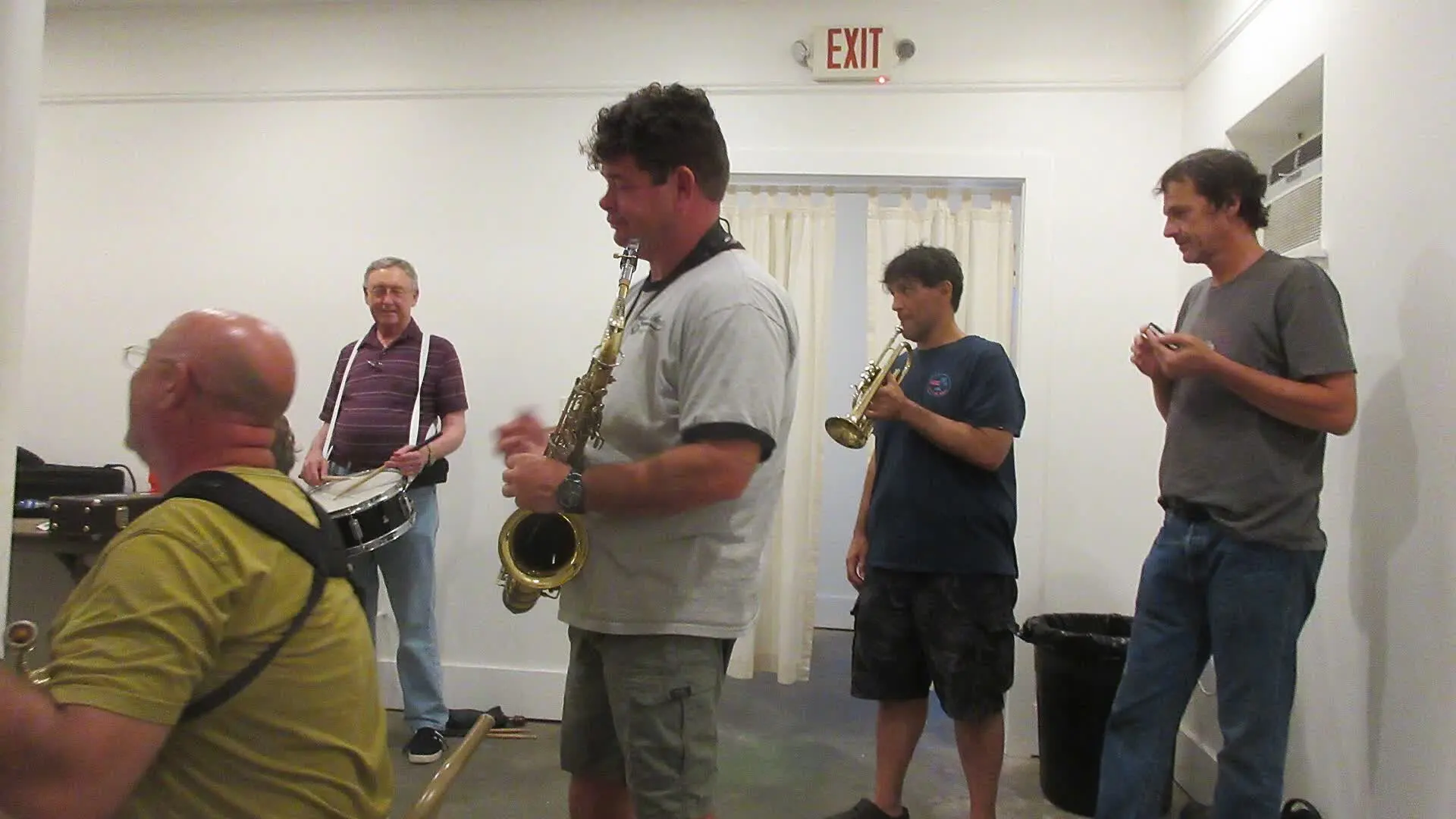 How to sound a band rehearsal?How to sound a band rehearsal: gear, speaker placement, volume balance and voice amplification for effective rehearsals that protect your hearing.Read more
 How to get a good stage monitor mix?How to get a good stage monitor mix: gear, console connections, volume settings without feedback and placement tips for musicians.Read more
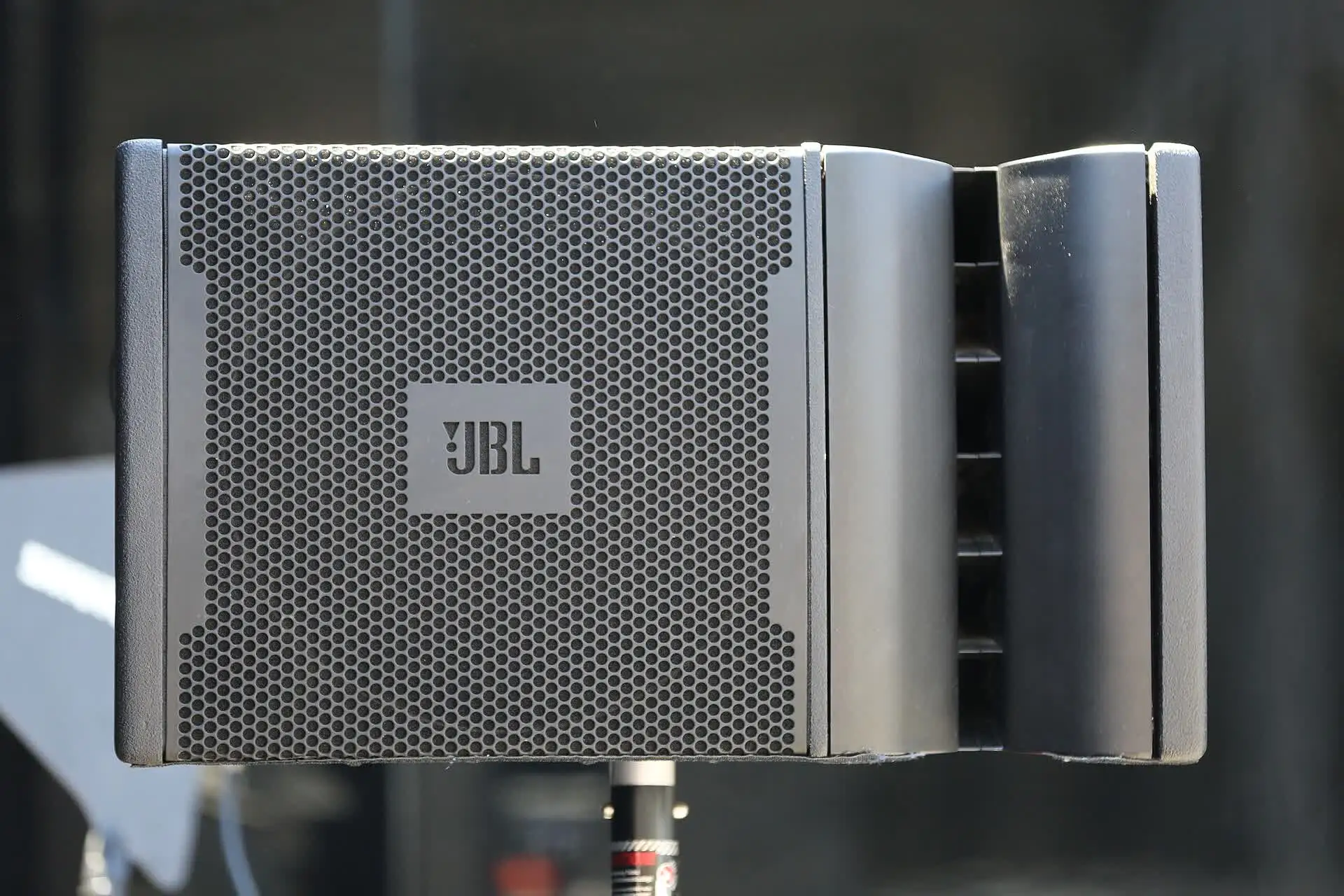 Which PA amplifier for a room of 100 people?Which PA amplifier for a room of 100 people: power, speaker types, placement and budget advice to sound your venue properly.Read more
 How to connect your computer to a PA system?How to connect your computer to a PA system: audio interface, cables and console settings, with the fallback solutions and the mistakes to avoid.Read more
Leave a comment