
Cart
There are no more items in your cartBlog categories
- Guitar and Bass (140)
- Marcas (292)
- Battery and percussion (36)
- Buying guides for musicians (242)
- Keyboard and synthesizer (26)
- Wind instruments (24)
- Beatmaking and DJing (33)
- Studio (133)
- Software and plugin (168)
- Live (30)
- Song (12)
- Artists' interviews (4)
- Promotion and Career (1) click
- Free Software and Good Deals (1)
Search in blog
Popular posts
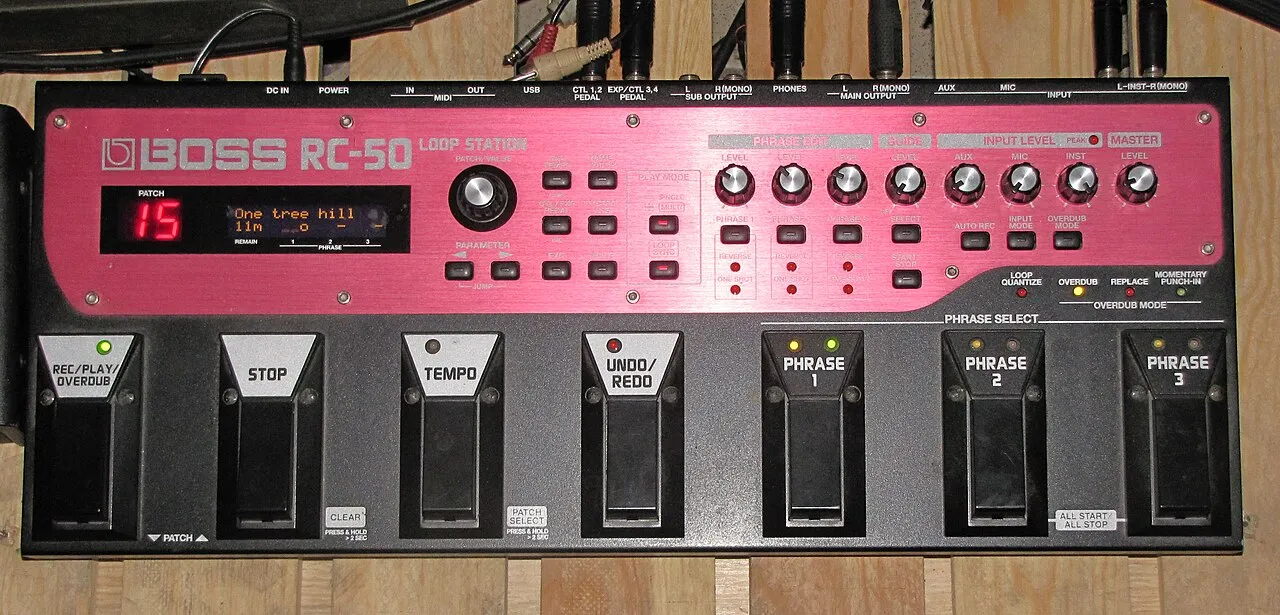 What is a looper and how to use it?What is a looper and how to use it? The loop principle, choosing a model, practicing, composing and playing live: the complete beginner's guide.Read more
 How long does it take to learn the drums?How long does it take to learn the drums: first grooves, first songs and independence. The realistic benchmarks and the right practice rhythm.Read more
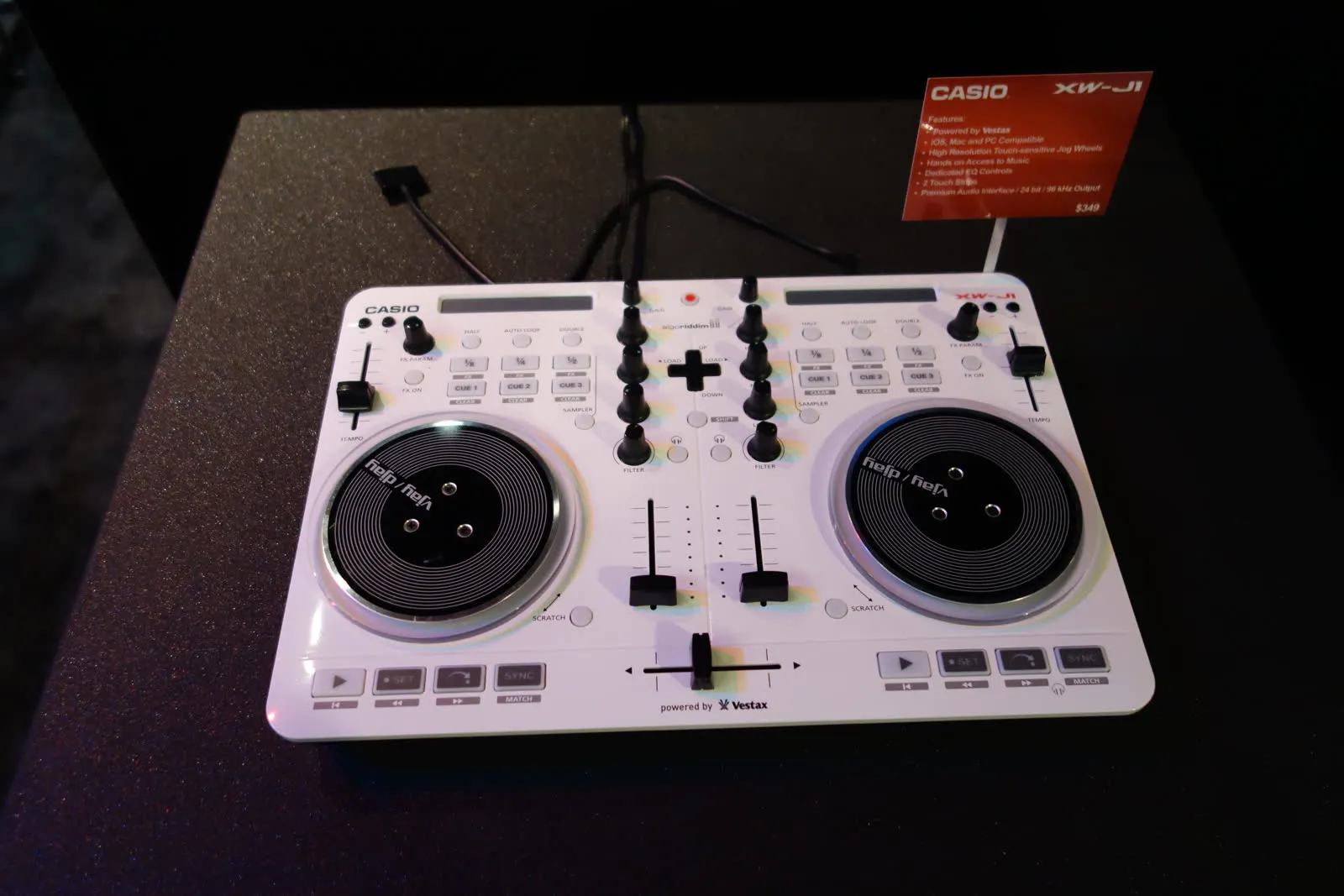 Vestax: Japanese legend of DJ equipment and vinyl turntablesVestax, founded in Tokyo in 1977, made DJing history with its revolutionary vinyl turntables and legendary mixers. A look back at the legacy of a cult brand that continues to inspire DJs around the world.Read more
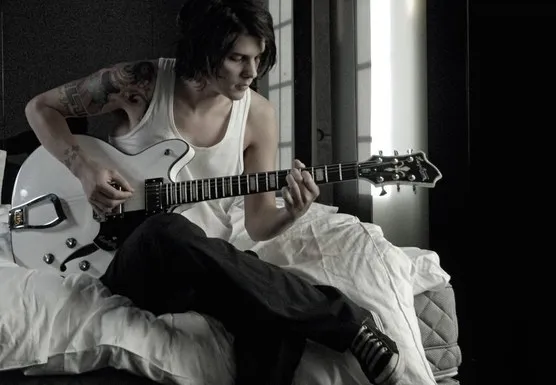 Hagstrom: Swedish guitars and basses since 1958Hagstrom, Swedish guitar excellence since 1958.Read more
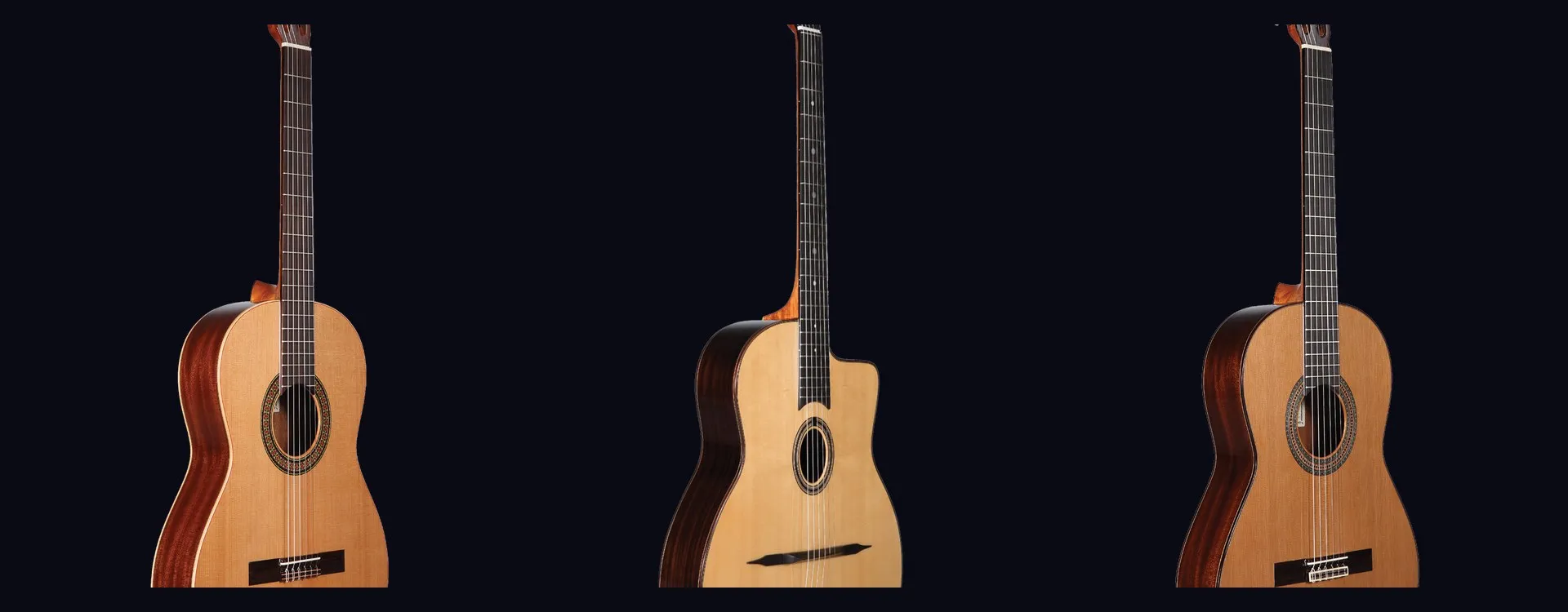 Altamira: classical and flamenco guitars inspired by Spanish traditionAltamira offers classical, flamenco, gypsy jazz guitars and historical replicas inspired by Spanish tradition. From beginner to concertist, discover authentic lutherie at the right price.Read more
Featured posts
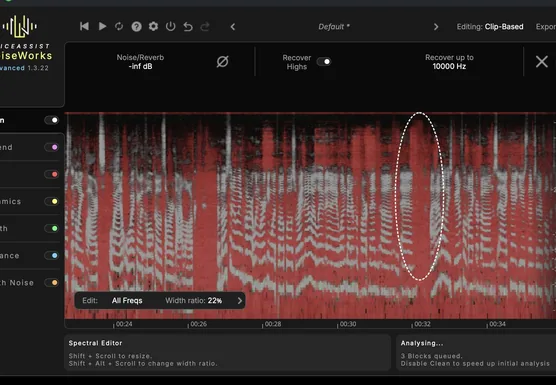 NoiseWorks VoiceAssist: cleaner vocals in less timeWhat if the next real upgrade to your studio were not a new microphone or a preamp, but time? That is the question NoiseWorks raises with VoiceAssist, a plugin that tackles the least creative part of vocal work: cleanup. Background noise, room reverb,Read more
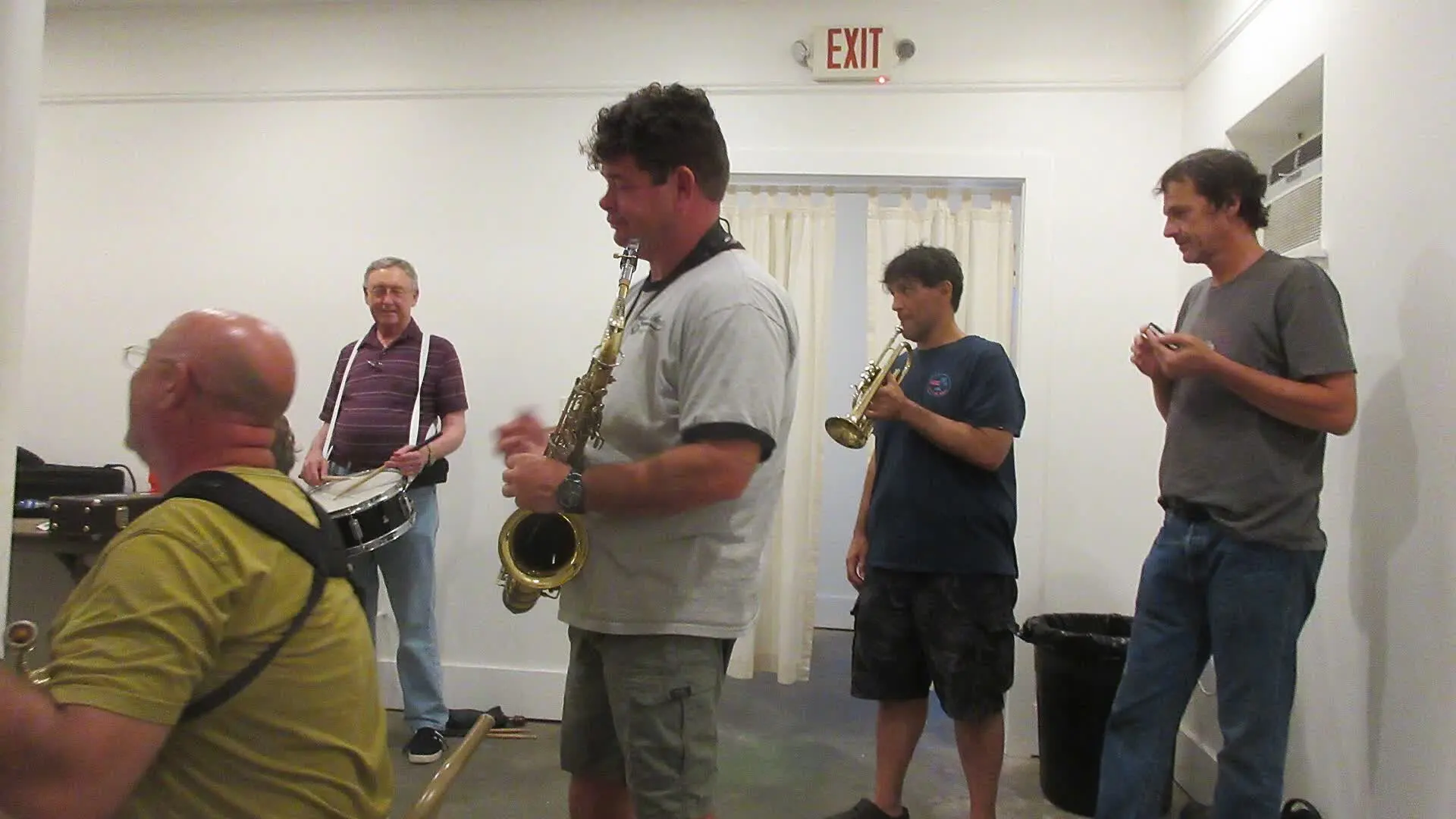 How to sound a band rehearsal?How to sound a band rehearsal: gear, speaker placement, volume balance and voice amplification for effective rehearsals that protect your hearing.Read more
 How to get a good stage monitor mix?How to get a good stage monitor mix: gear, console connections, volume settings without feedback and placement tips for musicians.Read more
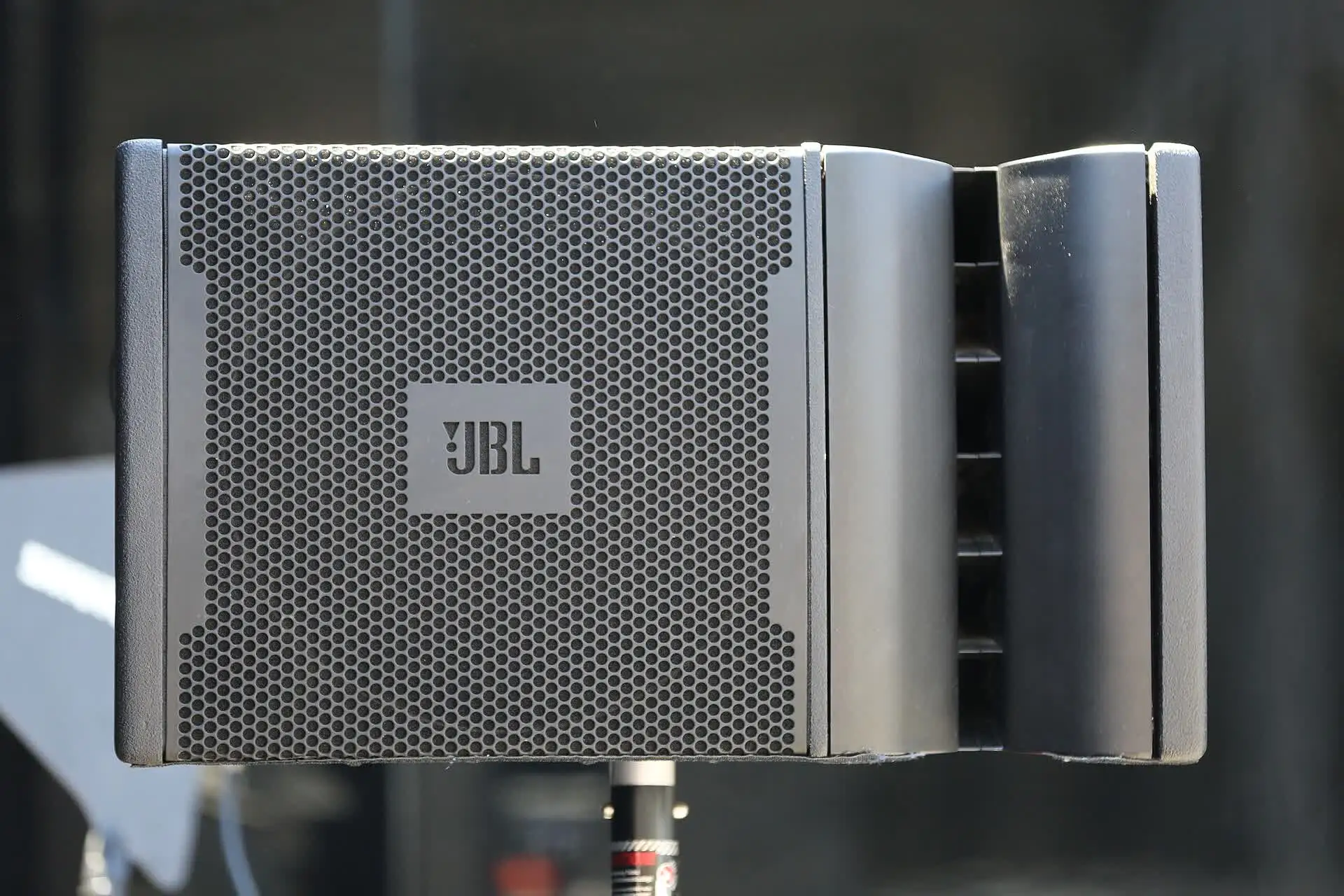 Which PA amplifier for a room of 100 people?Which PA amplifier for a room of 100 people: power, speaker types, placement and budget advice to sound your venue properly.Read more
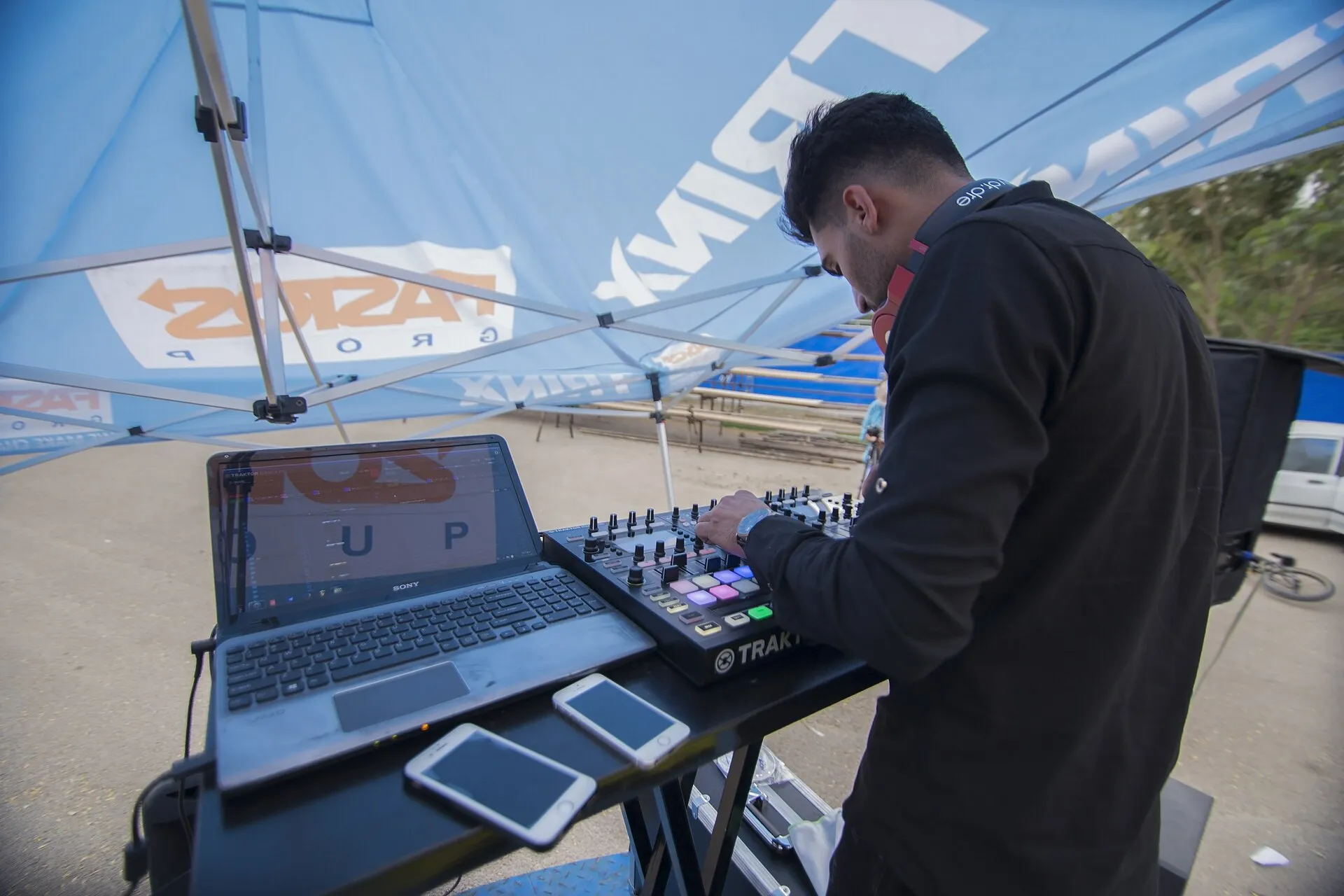 How to connect your computer to a PA system?How to connect your computer to a PA system: audio interface, cables and console settings, with the fallback solutions and the mistakes to avoid.Read more

Leave a comment