Cart
There are no more items in your cart
- Supplier Direct
- -10%
Avid Technology equips studios that cannot afford guesswork: Carbon and MBox Studio interfaces, HDX cards, HD I/O, HD Omni and MTRX converters, S1 to S6 control surfaces, Dock, Sync X clock. At Green Musicians this professional audio and video production hardware is sold short-circuit, with advice from a team that knows what a real studio demands. 88 references available, with no software and no licences: hardware only.
Avid Technology is an American manufacturer of hardware and tools built for professional audio and video production. Its name travels through control rooms, recording studios and post-production suites all over the world, and it stays tied to the Pro Tools ecosystem on which generations of engineers built their working methods. Avid holds to a demanding idea: a production tool has to carry the load and slot into a workflow that already exists.
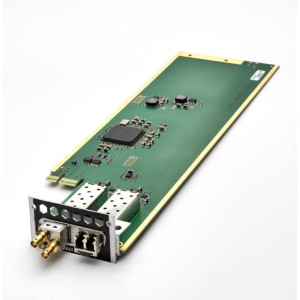
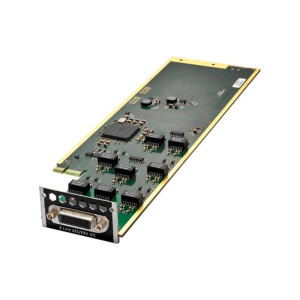
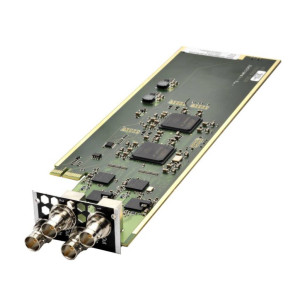
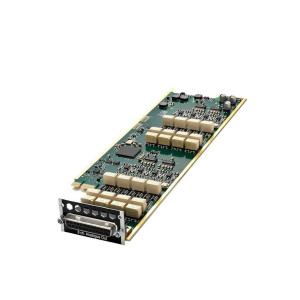
At Green Musicians we sell Avid hardware, and only hardware. Carbon and Carbon Pre interfaces, MBox Studio, S1, S3, S4, S6 and Dock control surfaces, HDX cards, HD I/O, HD Omni, MTRX and MTRX Studio interfaces, Sync X clock, DigiLink connectivity, DNxIV video interface and Pro Tools control keyboards: 88 references in the catalogue. Licences and software are not part of our range.
💡 Key points
Choosing Avid means choosing an architecture first: a Carbon talks to the same tools as an HDX card sitting in a post-production rack, and an S1 picks up the gestures of an S6 console. That continuity spares you from redesigning the whole chain every time the studio moves up a level. It is also hardware sized for heavy use, with fader mechanics built for thousands of moves. And it is a shared vocabulary: an engineer arriving from another studio recognises the same strips and the same clock references.
Before the plug-in and the mix there is a converter turning voltage into numbers: that is where a studio buys its headroom.
Carbon targets rooms that blend tracking and production: serious conversion, full monitoring control and enough inputs for a band. Carbon Pre adds a dedicated preamp block so several sources captured at once still share one clean path. MBox Studio covers a different ground: the home studio that must stay compact without becoming a toy. Mic and instrument inputs, monitoring and headphone outs fit on a desk and connect in minutes.
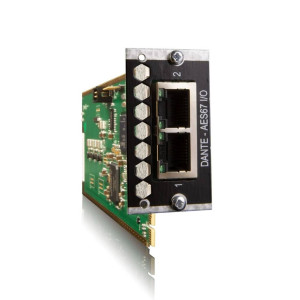
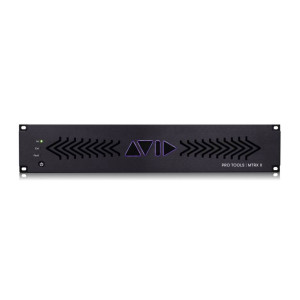
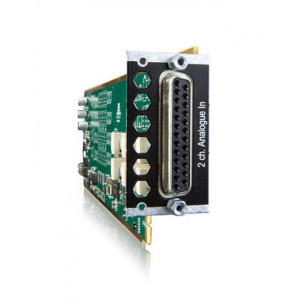
These interfaces follow another philosophy: modularity. Instead of a fixed box, the studio builds its conversion around real needs — analogue inputs, outputs, digital formats, surround monitoring. MTRX Studio condenses that approach into a tighter chassis with clocking and monitoring built in. HD Omni remains a classic for rooms that want clean conversion and complete monitoring in a single unit.
A mouse gives no feedback: a fader does, so you feel the resistance, land on a level by hand and write automation by performing it instead of drawing it.
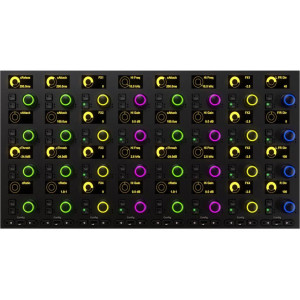
The answer depends on how many sources you mix at once, not on the size of the studio. S1, with its compact strips, covers a music mix or a desk working by groups and banks very well. S3 adds controls for rooms where fine automation is written all day. S4 and S6 are aimed at large rooms where the surface becomes the centre of the space.
Dock does not replace a console: it recentres the gesture on the selected track. Paired with one or two S1 units it makes a very efficient hybrid desk, keeping transport and the active strip at hand without tying up a large frame. Pro Tools control keyboards complete the setup with physical shortcuts, transport and session navigation.
At Avid the hardware is designed for the working environment: every element knows what the others do, without forcing you to buy everything at once.
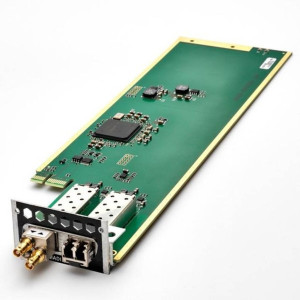
An HDX card brings dedicated processing power for real-time audio, with very low latency and the stability studios look for when they track with processed cue mixes. It sits in a computer chassis or a rack and connects to the rest of the studio over DigiLink. It is an insurance policy on load when several musicians play live.
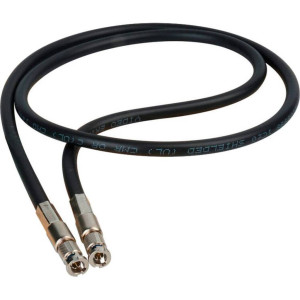
DigiLink carries audio between conversion and processing: as soon as a studio multiplies converters, it becomes the backbone of the system. Sync X locks the studio to a single clock reference and handles time formats when several machines have to work together.
Because the sound of a film or a music video is not built blind. DNxIV handles video inside the audio environment, with clean synchronisation between picture and sound: it turns an audio desk into a full post-production desk.
Native, meaning processing handled by the computer, now covers a large part of the workload. HDX keeps an edge wherever latency, stability and dedicated power are not negotiable.
You track bands with processed cue mixes in real time, you work on sessions with very high track counts, or you share a room between several engineers. In those cases an HDX card is not a luxury: it is the condition for working calmly.
You compose, produce and mostly mix in the studio and you accept managing the computer load. A well-integrated Carbon or MBox Studio delivers excellent results without an acceleration card. Many studios start native and add HDX only the day a project demands it.
🎯 This is the right choice if...
No. Start with conversion and the interface, measure the real load of your sessions, and add HDX only if latency becomes a concrete problem. The card fits perfectly one or two years after the rest of the studio.
Yes, and that is one of the brand's strengths. A Dock with an S1, a Carbon with an external clock, an MTRX with older converters: the elements talk to each other. The point to watch is the clock reference, which must be single and stable across the studio.
Rack space, a clean power supply and a common ground. Count the DigiLink cables and clock links before you order as well.
No. Our Avid range holds hardware only: interfaces, cards, converters, control surfaces, clocks and accessories. Licences and software are not offered on our site.
88 hardware references, from Carbon and MBox Studio interfaces to S1, S3, S4, S6 and Dock surfaces, including HDX cards, HD I/O, HD Omni, MTRX and MTRX Studio converters, Sync X and DNxIV.
MBox Studio: compact, complete and designed for a single desk. To record several musicians at once, look instead at Carbon, which is more generous on inputs.
They belong to the same family and share the same control logic: you can pair a Dock with an S1, or run several surfaces side by side.
Not with a single interface and a single machine. Sync X becomes useful as soon as several digital devices must share one clock reference, or when the studio has to synchronise with video gear.